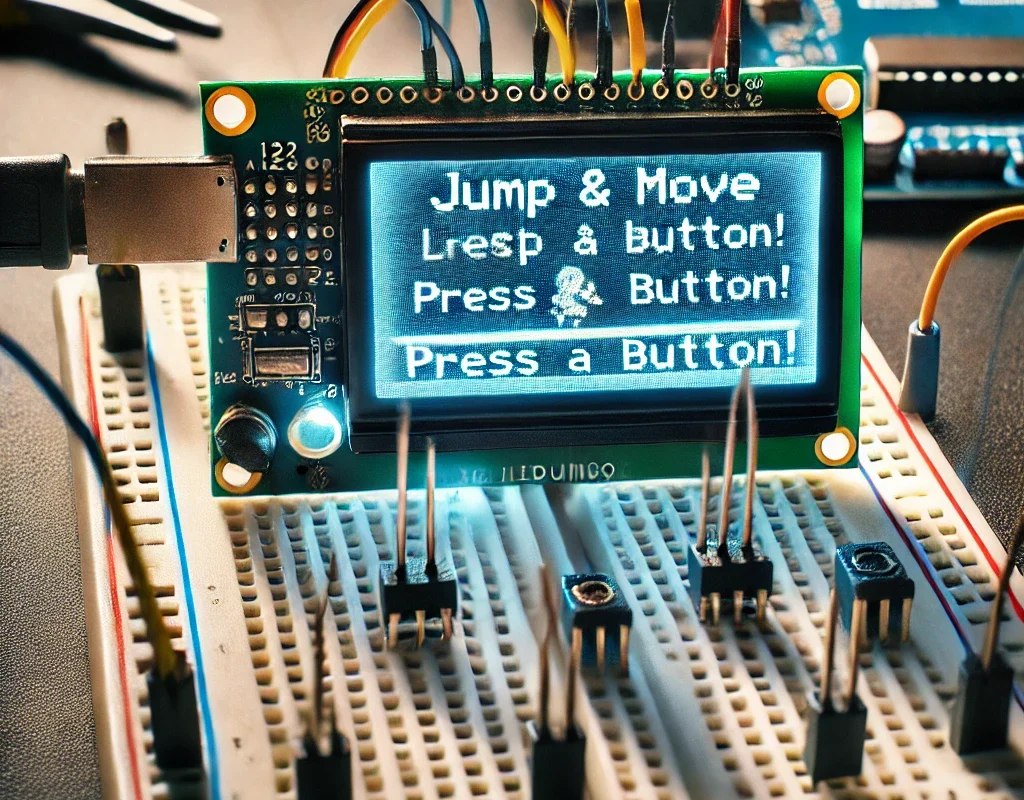
开始: 🕹️ 简单的 Arduino LCD 游戏:“跳跃和移动”
更新了 Arduino Sketch
我们将引入随机障碍物,它们出现在 LCD 的右侧并向左移动。玩家必须跳过它们以避免碰撞。
#include <Wire.h>
#include <LiquidCrystal_I2C.h>
#include <stdlib.h> // Include the standard library for random number functions

LiquidCrystal_I2C lcd(0x27, 16, 2);

const int buttonLeftPin = 2;
const int buttonJumpPin = 3;
const int buttonRightPin = 4;
int fly = 0;
int positionX = 7; // Start in the middle of the screen
int obstaclePosition = 15; // Start obstacle off-screen
bool inAir = false; // Is the character in the air?

void setup() {
  pinMode(buttonLeftPin, INPUT_PULLUP);
  pinMode(buttonJumpPin, INPUT_PULLUP);
  pinMode(buttonRightPin, INPUT_PULLUP);
  lcd.init();
  lcd.backlight();
  lcd.setCursor(positionX, 1);
  lcd.print("*"); // Character representation
  randomSeed(analogRead(0)); // Initialize random seed
}

void loop() {
  if (digitalRead(buttonLeftPin) == LOW) {
    moveLeft();
  }
  if (digitalRead(buttonRightPin) == LOW) {
    moveRight();
  }
  if (digitalRead(buttonJumpPin) == LOW && !inAir) {

    jump();
  }
  if (millis() % 20 == 0) { // Every 20 milliseconds, update the obstacle
    moveObstacle();

  }
  checkCollision();
}

void moveLeft() {
  if (positionX > 0) {
    lcd.clear();
    lcd.setCursor(--positionX, 1);
    lcd.print("*");
    delay(200);
  }
}

void moveRight() {
  if (positionX < 15) {
    lcd.clear();
    lcd.setCursor(++positionX, 1);
    lcd.print("*");
    delay(200);

  }
}

void jump() {

  lcd.clear();
  inAir = true;
  lcd.setCursor(positionX, 0);
  lcd.print("*");
  delay(200);
  fly = obstaclePosition - 3;


}

void moveObstacle() {
  delay(200);
  lcd.setCursor(obstaclePosition, 1);
  lcd.print(" "); // Clear the old position

  if (obstaclePosition > 0) {
    lcd.setCursor(--obstaclePosition, 1);
    lcd.print("#"); // Display the new position
    if (fly == obstaclePosition){

  lcd.clear();
  lcd.setCursor(positionX, 1);
  lcd.print("*");
  inAir = false; // Return to ground

    }

  } else {
    obstaclePosition = 15; // Reset the obstacle to the start
  }
}

void checkCollision() {
  if (positionX == obstaclePosition && !inAir) {
    // Handle collision - game over or reduce life
lcd.clear();
    lcd.setCursor(positionX, 1);
    lcd.print("0");
    delay(1000);
    lcd.clear();
    lcd.setCursor(positionX - 1, 1);
     lcd.print(">0<");
    delay(1000);
    lcd.clear();
    lcd.print("Game Over!");
    delay(2000);
lcd.clear();
    lcd.print("Restarting...");
    delay(2000);
lcd.clear();
    positionX = 7; // Reset position
    obstaclePosition = 15; // Reset obstacle
    lcd.setCursor(positionX, 1);
    lcd.print("*");
  }
}
游戏机制
- 障碍物: 障碍(
#)随机出现并从屏幕右侧移动到左侧。 - umping: 玩家必须跳过障碍物以避免碰撞。
- 碰撞检测: 如果玩家不在空中并撞到障碍物,游戏会显示“Game Over!”然后重新开始。
本次更新引入了基本的障碍物机制,增加了游戏的复杂性。您可以通过添加多种障碍物类型、不同的速度,甚至根据成功避开的障碍物数量来获得分数,进一步扩展游戏的复杂性。