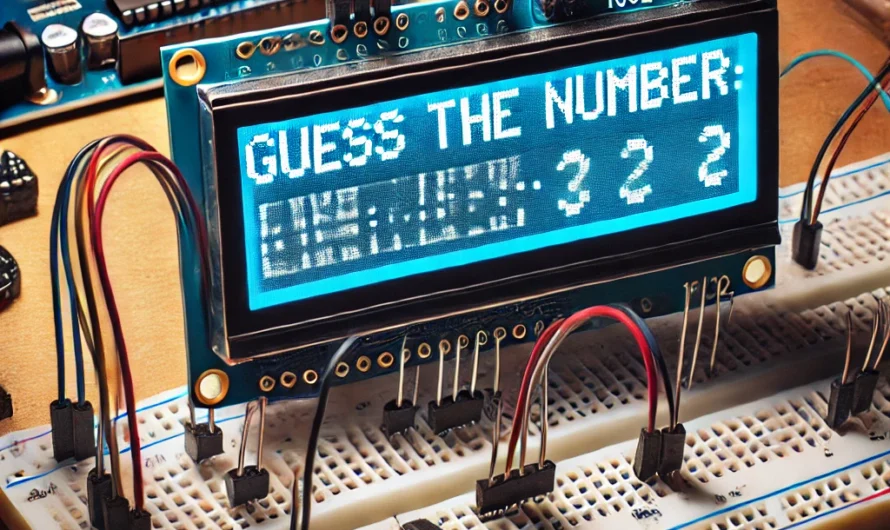
🎲 Retro Game: Guess The Number (with Levels, Score, and Custom Icons)
🔧 Components Needed 📌 Wiring Connections 1. I2C LCD 1602 Display 2. Reset/Advance Button 💻 Code Example Below is the complete sketch that implements the …
Unravel the Mystery of Electronics

🔧 Components Needed 📌 Wiring Connections 1. I2C LCD 1602 Display 2. Reset/Advance Button 💻 Code Example Below is the complete sketch that implements the …
Tinkercad is a powerful, easy-to-use tool for learning Arduino, electronics, and 3D design. Whether you’re a beginner, student, or hobbyist, it’s a great way to experiment, prototype, and learn coding and circuit design.
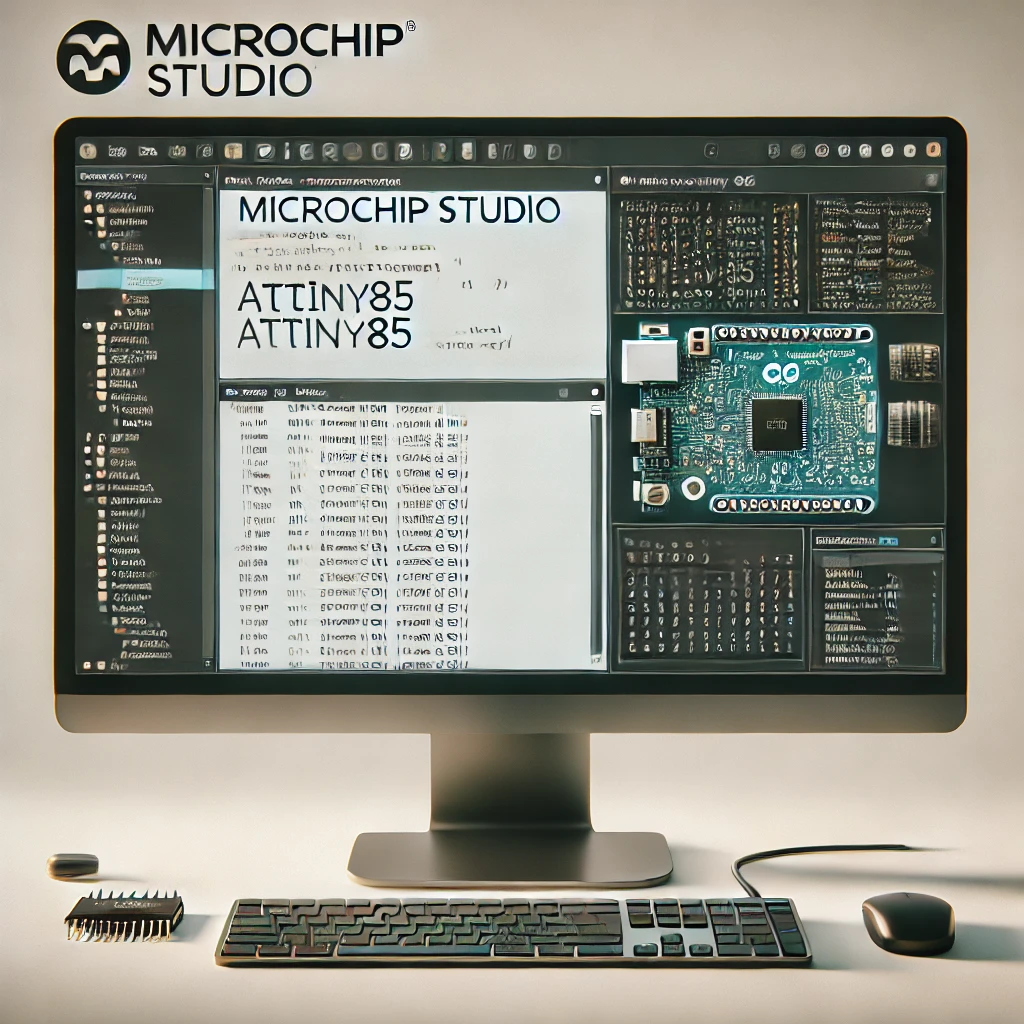
🔍 Overview ⚙️ Key Features 🔍 Why Use Microchip Studio? 🚀 Getting Started with Microchip Studio 💡 Conclusion Microchip Studio is a powerful, professional-grade IDE …
1️⃣ Tinkercad Circuits 2️⃣ Proteus Design Suite 3️⃣ SimulIDE 4️⃣ Atmel Studio (Microchip Studio) 5️⃣ Virtual Breadboard (VBB) 🎯 Final Thoughts Each of these tools …
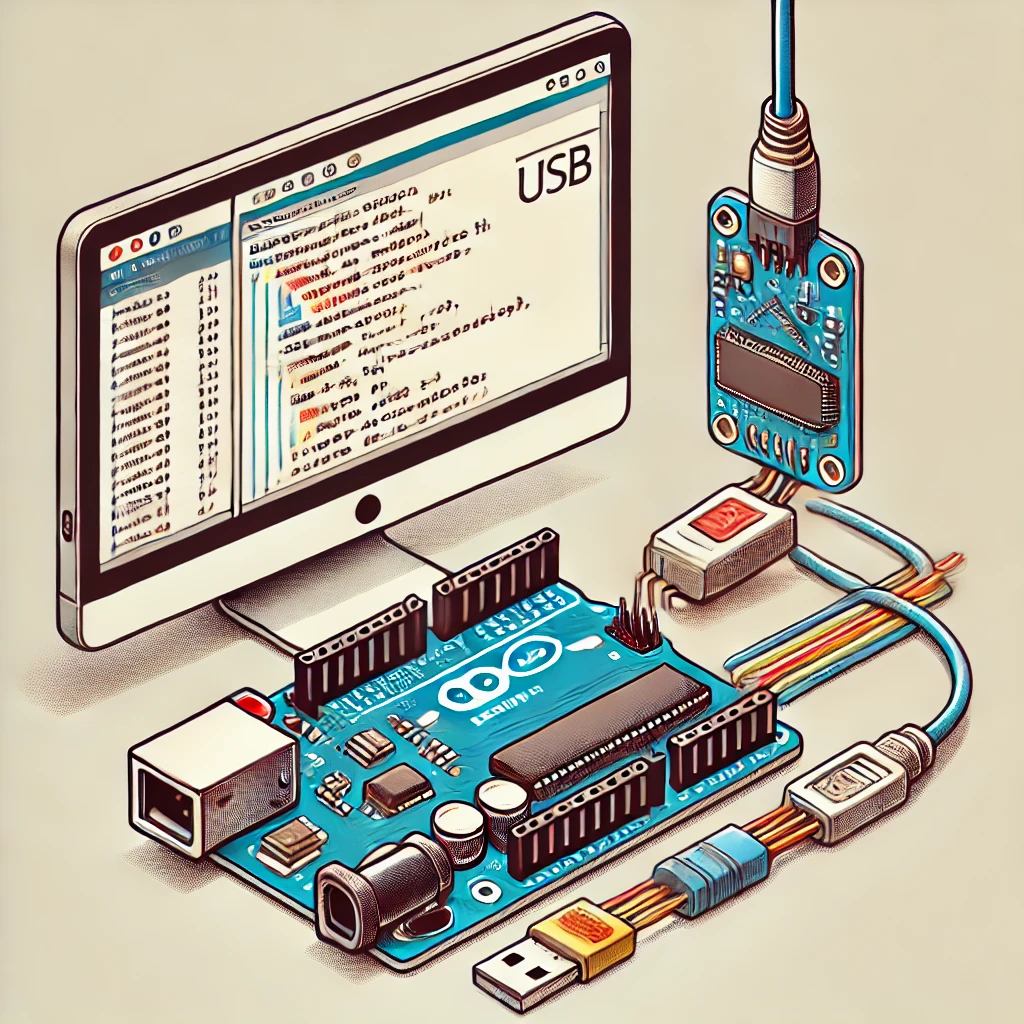
1️⃣ Connect Your Arduino 2️⃣ Open the Arduino IDE 3️⃣ Select the Correct Board 4️⃣ Select the Correct Port 5️⃣ Verify (Compile) Your Code 6️⃣ …