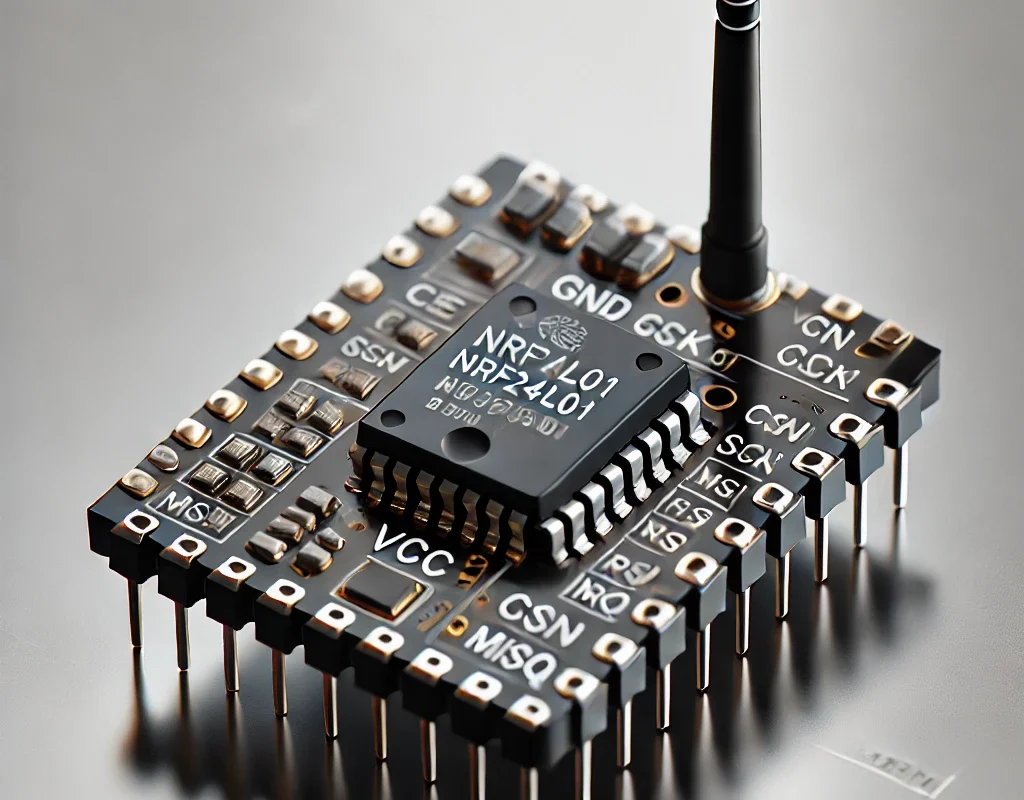
The NRF24L01 is a 2.4GHz transceiver module that allows your Arduino boards (or robots!) to communicate wirelessly — both sending and receiving data!
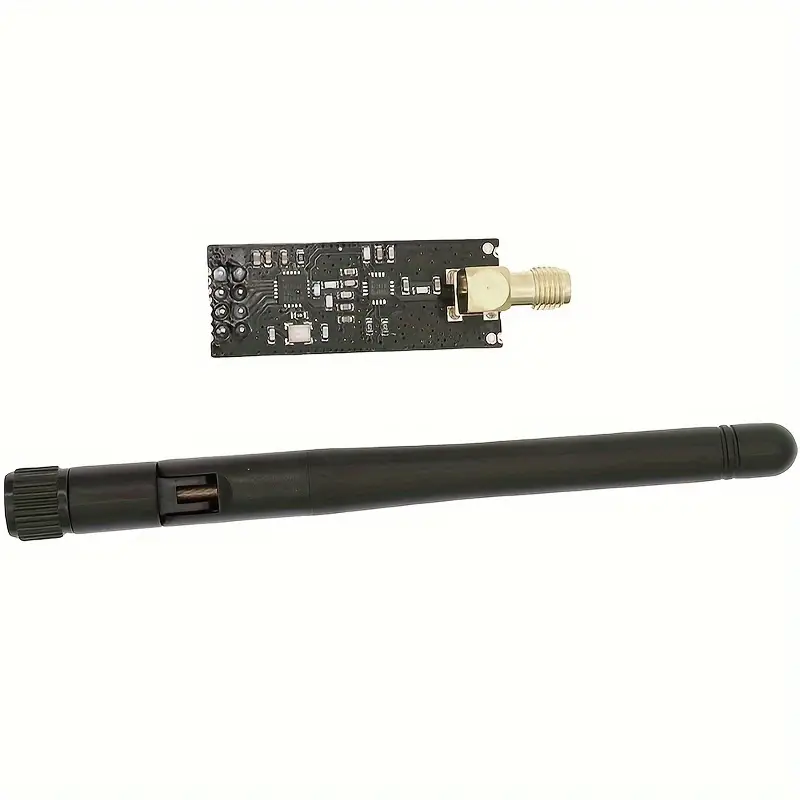
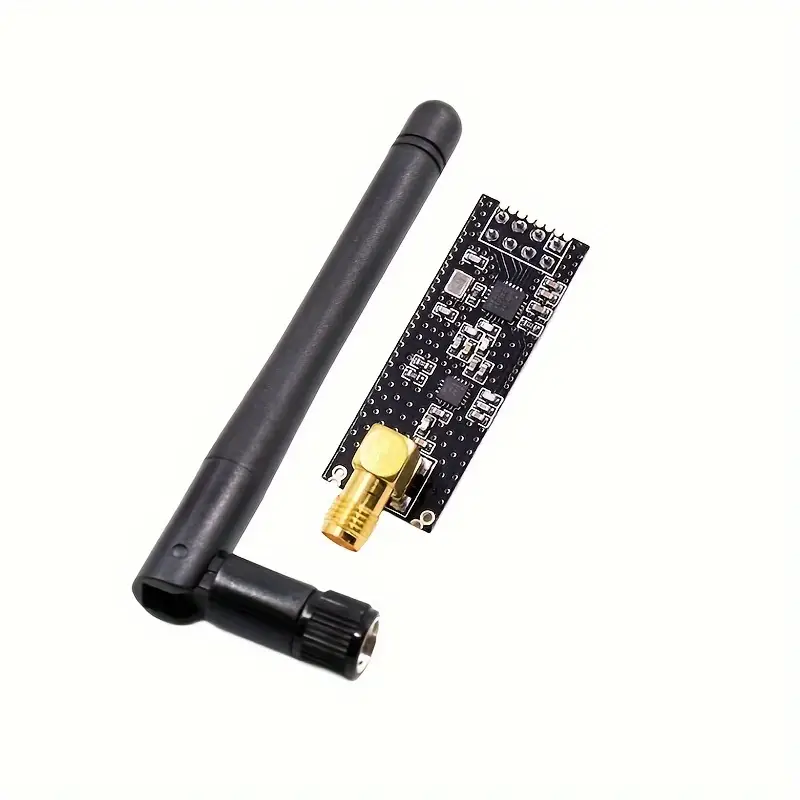
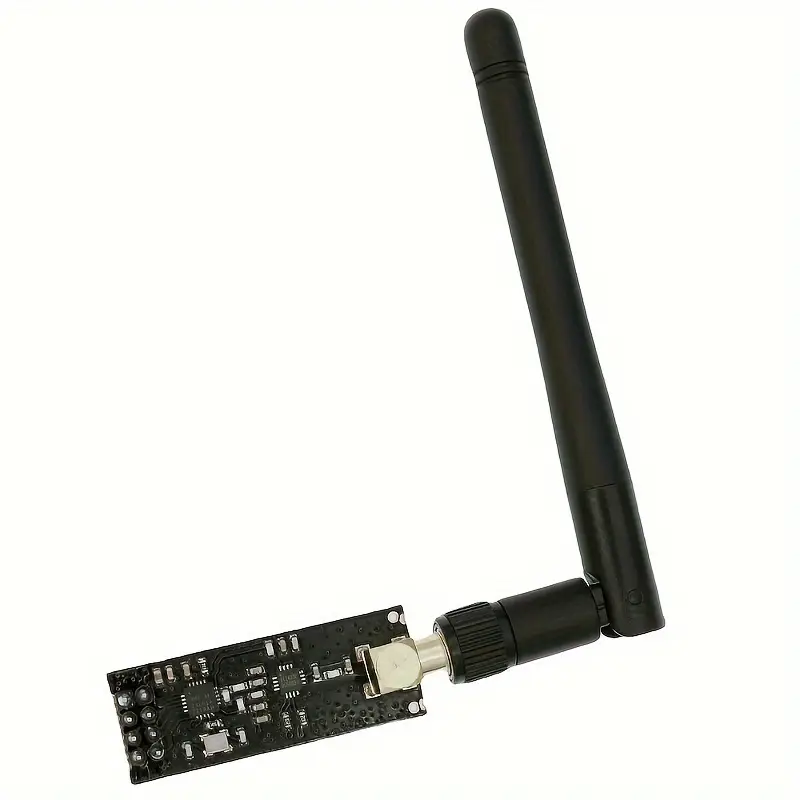
It’s ideal for robot-to-robot comms, wireless sensors, remote controllers, and DIY IoT projects. 🔗📶
⚙️ Key Features
| Feature | Description |
|---|---|
| Frequency | 2.4 GHz (ISM band) |
| Range | ~100m (with PA+LNA version) |
| Data rate | Up to 2 Mbps |
| Communication | SPI |
| Voltage | 3.3V ONLY (⚠️ not 5V-tolerant!) |
| Multi-device mode | Supports 6 data pipes |
| Power consumption | Very low (great for batteries) 🔋 |
⚠️ Needs 3.3V — connecting VCC to 5V will fry it!
🧩 Pinout (8 pins)
| Pin | Function |
|---|---|
| GND | Ground |
| VCC | 3.3V power only ⚠️ |
| CE | Chip Enable |
| CSN | SPI Chip Select |
| SCK | SPI Clock |
| MOSI | SPI Data to module |
| MISO | SPI Data from module |
| IRQ | Interrupt (optional) |
🔗 Wiring with Arduino UNO
| NRF24L01 | Arduino UNO |
|---|---|
| GND | GND |
| VCC | 3.3V |
| CE | D9 |
| CSN | D10 |
| SCK | D13 |
| MOSI | D11 |
| MISO | D12 |
| IRQ | Not used |
🔋 Pro tip: Add a 10µF capacitor between VCC and GND to stabilize power (especially if using the PA+LNA long-range version).
📦 Libraries to Use
Install via Arduino IDE Library Manager:
RF24by TMRh20 (most popular & well-documented)- Comes with examples like
GettingStarted,pingpair, etc.
💬 Arduino Code Example (Transmitter)
#include <SPI.h>
#include <nRF24L01.h>
#include <RF24.h>

RF24 radio(9, 10); // CE, CSN
const byte address[6] = "00001";

void setup() {
  Serial.begin(9600);
  radio.begin();
  radio.openWritingPipe(address);
  radio.setPALevel(RF24_PA_LOW);
  radio.stopListening(); // Set as transmitter
}

void loop() {
  const char text[] = "Hello Robot!";
  radio.write(&text, sizeof(text));
  Serial.println("Sent: Hello Robot!");
  delay(1000);
}
👯 Use a second Arduino with the same code, but with radio.startListening() instead — and boom, wireless comms!
🧪 Use Cases
- 🔧 Wireless remote control (joysticks, sliders)
- 🤖 Robot-to-robot communication
- 🌐 Sensor networks (e.g., temperature nodes)
- 🧠 Swarm robotics
- 📡 Home automation systems
⚠️ Tips & Gotchas
⚠️ 3.3V only — use AMS1117 regulator if needed
⚠️ Power-hungry on transmit — use capacitor
⚠️ Avoid long jumper wires (can cause instability)
⚠️ Use separate 3.3V LDO if your Arduino’s regulator is weak
🚀 Variants
| Version | Features |
|---|---|
| NRF24L01 | Standard ~100m |
| NRF24L01+PA+LNA | Long-range, with antenna booster 📡 |
| SMD versions | Compact & SMD-friendly |