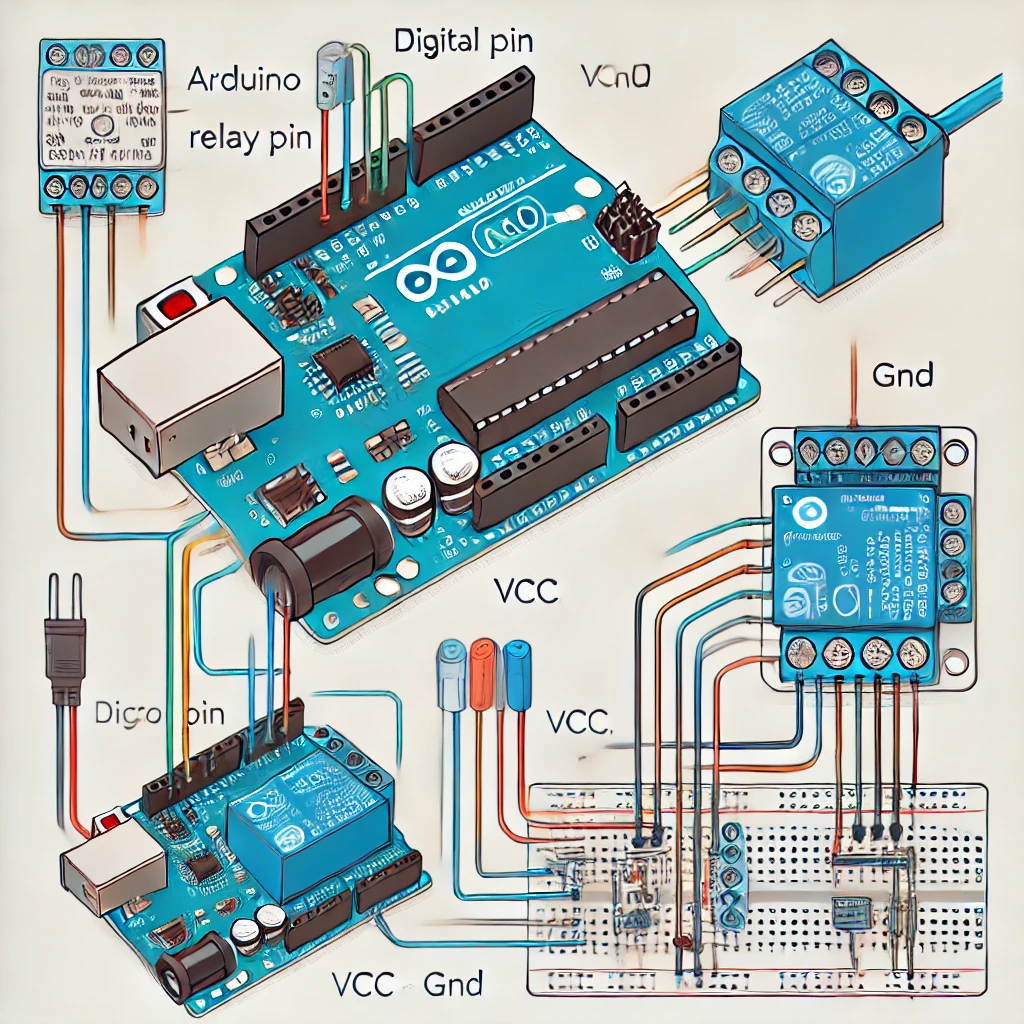
How to Connect a Relay to Arduino
Materials Needed: 💡 Wiring Diagram: 📟 Control Code: ⚠️ Important Notes:
Unravel the Mystery of Electronics

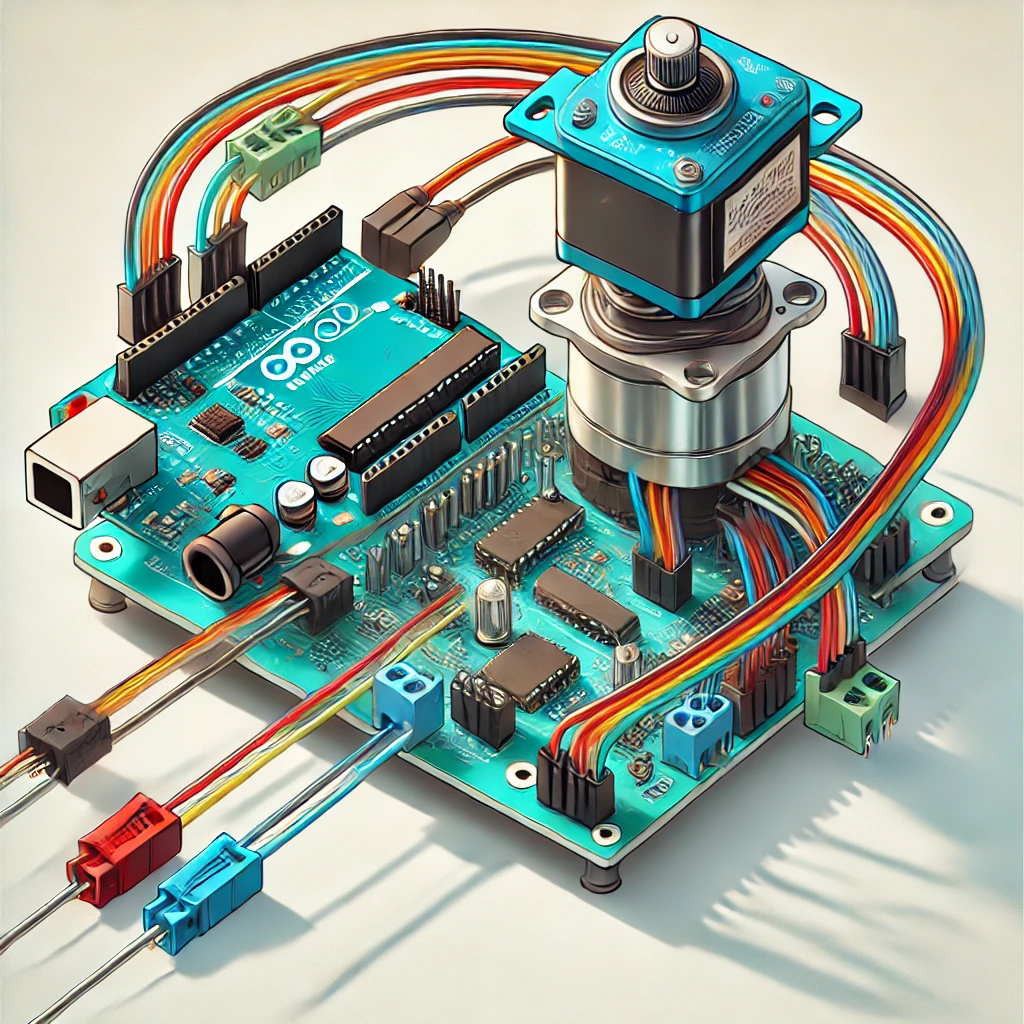
Complex circuits inside a single package.
Materials Needed: 💡 Wiring Diagram: 📟 Control Code: ⚠️ Important Notes:
🔧 Components Needed 📌 Wiring Diagram 1. Servo Connection (SG90) 2. Potentiometer Connection 3. Button Connections Tip: Use the Arduino’s internal pull-up resistors for the …
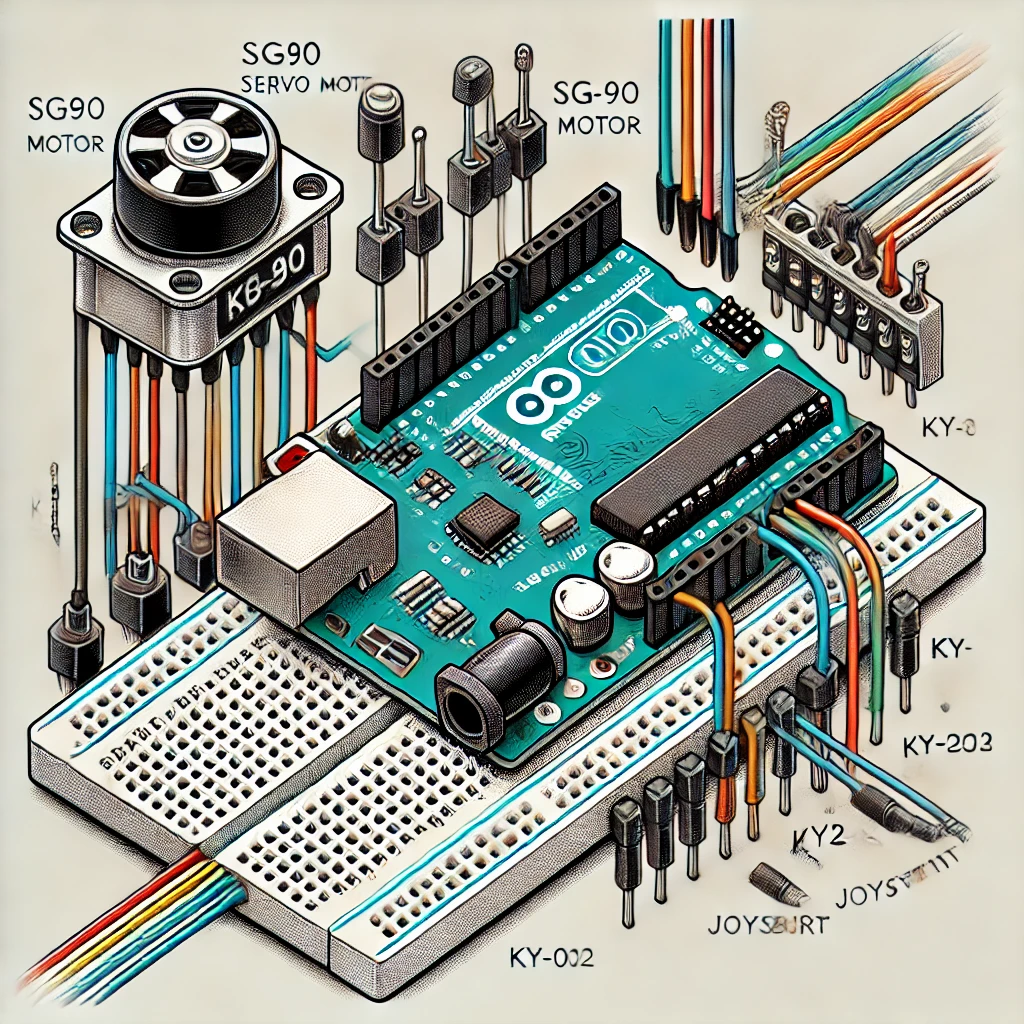
🔹 Components Needed ✅ Arduino (Uno/Nano/etc.)✅ SG90 Servo Motor✅ Joystick Module (XY type, like KY-023)✅ Jumper Wires & Breadboard 🔹 Understanding the Joystick The joystick …
1️⃣ Tinkercad Circuits 2️⃣ Proteus Design Suite 3️⃣ SimulIDE 4️⃣ Atmel Studio (Microchip Studio) 5️⃣ Virtual Breadboard (VBB) 🎯 Final Thoughts Each of these tools …
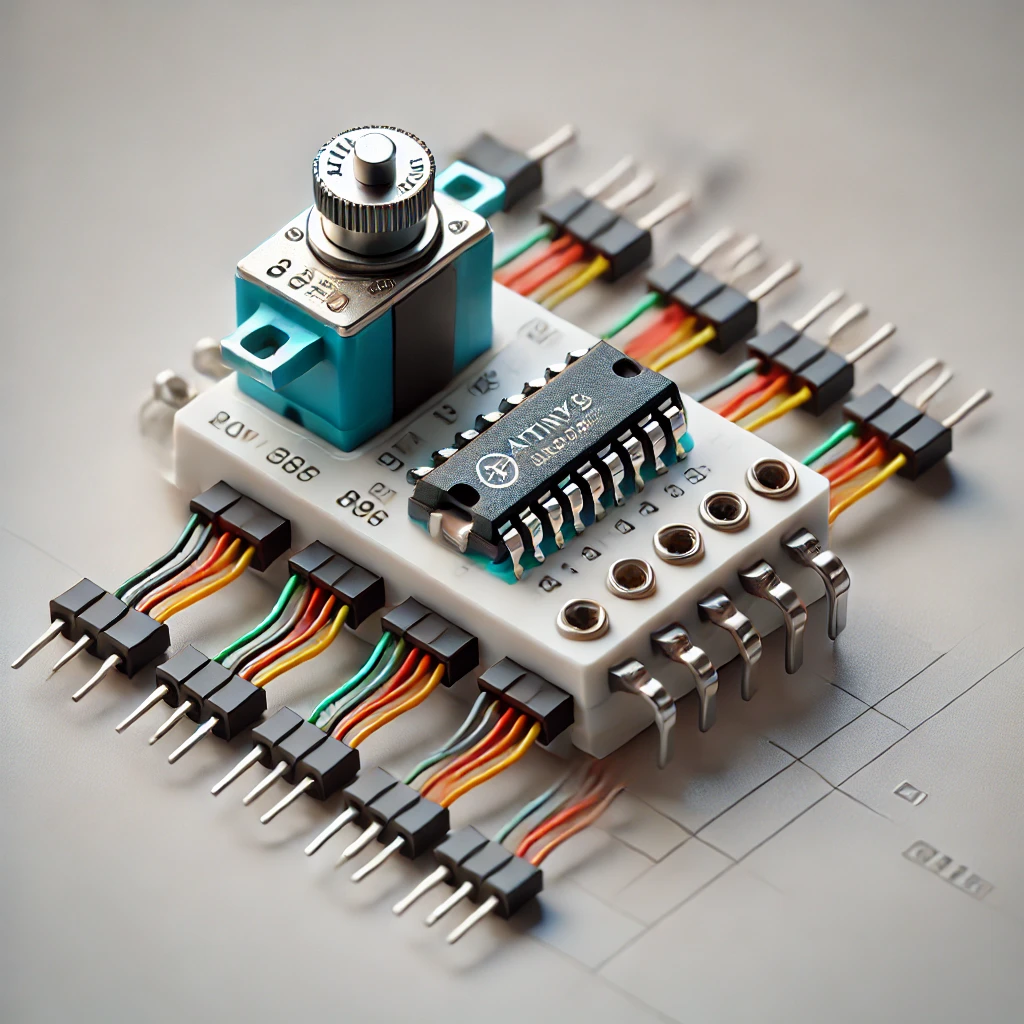
🔹 Step 1: Components Needed ✅ Microcontroller – ATtiny85✅ Servo Motor – SG90 (small) or MG996R (stronger)✅ Power Supply – 5V (for servos)✅ Potentiometer (optional) …
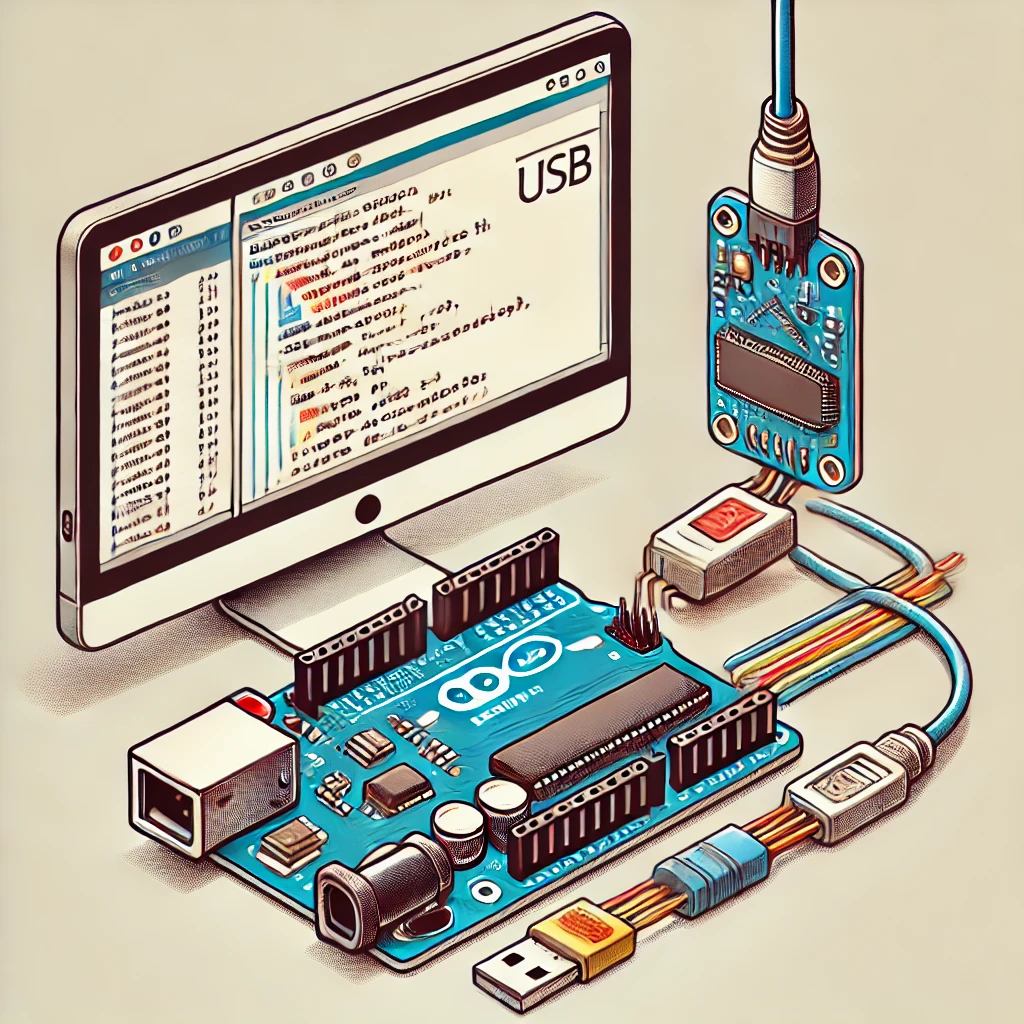
1️⃣ Connect Your Arduino 2️⃣ Open the Arduino IDE 3️⃣ Select the Correct Board 4️⃣ Select the Correct Port 5️⃣ Verify (Compile) Your Code 6️⃣ …
🔹 Step 1: Components Needed ✅ Microcontroller – Arduino Nano/Uno✅ Servo Motor – SG90 (small) or MG996R (stronger)✅ Power Supply – 5V (for servos)✅ Potentiometer …
🔹 Components Needed ✅ Arduino (Uno/Nano/etc.)✅ SG90 Servo Motor✅ 10kΩ Potentiometer✅ Jumper Wires & Breadboard 🔹 Circuit Connections Component Pin Connect To SG90 Servo Red …
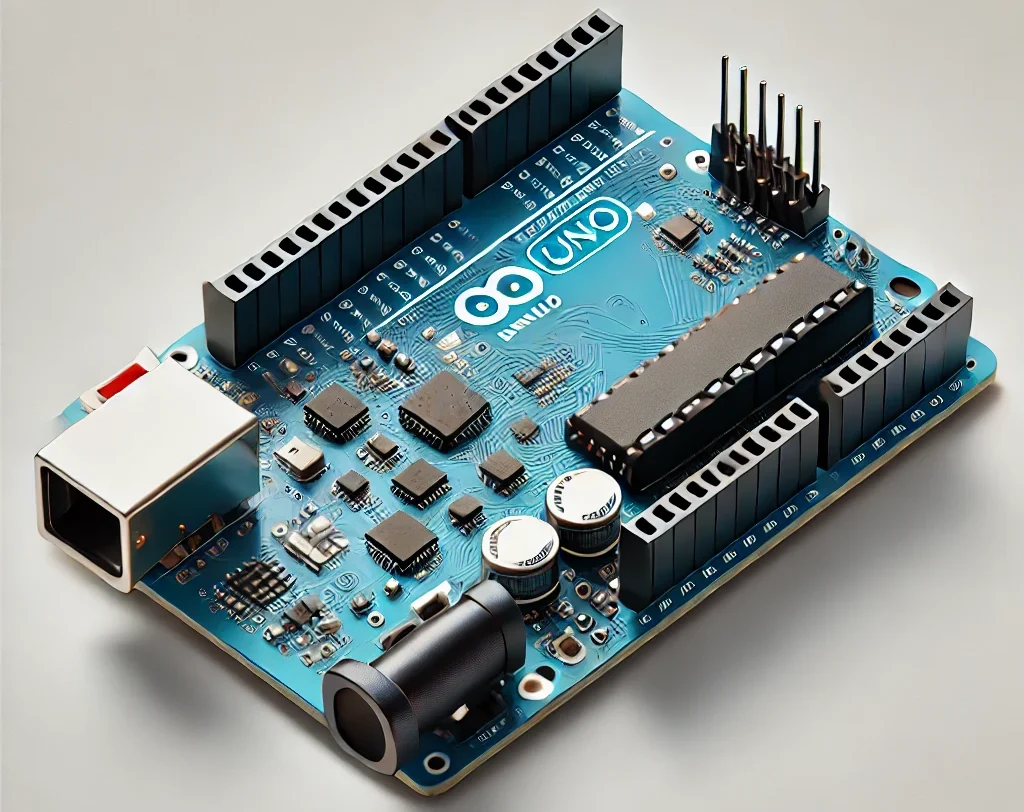
📜 1. History of Arduino Uno 🔧 2. Applications of Arduino Uno 🔍 3. Comparison with Other Arduino Boards 🔸 Arduino Uno vs. Uno Clones …
A microcontroller (MCU) is a compact integrated circuit (IC) that functions as a small computer. It includes a processor (CPU), memory (RAM/ROM), and input/output (I/O) …