Skip to content

Tricky Circuit

Unravel the Mystery of Electronics

  • My account
  • Blog
    • Categories List
  • Shop
  • About
  • Contact
  • Cart
  • Learn
  • My account
  • Blog
    • Categories List
  • Shop
  • About
  • Contact
  • Cart
  • Learn

Author: Tricky Circuit

🔌 Jumper Wires: Overview
Wires

🔌 Jumper Wires: Overview

0

📜 Overview 🚀 History & Evolution 🔧 Applications of Jumper Wires 📐 Types of Jumper Wires 🎯 Key Features & Tips 🔚 Conclusion Jumper wires …

🔌 Jumper Wires: Overview Read More
How to Connect a Relay to Arduino
Arduino / Relay Module / Relays

How to Connect a Relay to Arduino

0

Materials Needed: 💡 Wiring Diagram: 📟 Control Code: ⚠️ Important Notes:

How to Connect a Relay to Arduino Read More
😃 Let’s compare the 28BYJ-48 stepper motor and the SG90 servo motor to understand their strengths and best use cases.
Servo Motors / Stepper Motor

😃 Let’s compare the 28BYJ-48 stepper motor and the SG90 servo motor to understand their strengths and best use cases.

0

🔹 SG90 Servo vs. 28BYJ-48 Stepper: Side-by-Side Comparison Feature SG90 Servo 28BYJ-48 Stepper Type Servo Motor (Position Control) Stepper Motor (Precise Step Control) Movement Rotates …

😃 Let’s compare the 28BYJ-48 stepper motor and the SG90 servo motor to understand their strengths and best use cases. Read More
🚀 Controlling an SG90 Servo with Arduino Using a Potentiometer and Buttons
Arduino / Potentiometers / Servo Motors / Switches & Buttons

🚀 Controlling an SG90 Servo with Arduino Using a Potentiometer and Buttons

0

🔧 Components Needed 📌 Wiring Diagram 1. Servo Connection (SG90) 2. Potentiometer Connection 3. Button Connections Tip: Use the Arduino’s internal pull-up resistors for the …

🚀 Controlling an SG90 Servo with Arduino Using a Potentiometer and Buttons Read More
🎮🔥 Controlling your SG90 servo with a joystick will feel like operating a mini robotic arm! Let’s get started.
Arduino / Joystick Module / Modules / Servo Motors

🎮🔥 Controlling your SG90 servo with a joystick will feel like operating a mini robotic arm! Let’s get started.

0

🔹 Components Needed ✅ Arduino (Uno/Nano/etc.)✅ SG90 Servo Motor✅ Joystick Module (XY type, like KY-023)✅ Jumper Wires & Breadboard 🔹 Understanding the Joystick The joystick …

🎮🔥 Controlling your SG90 servo with a joystick will feel like operating a mini robotic arm! Let’s get started. Read More
🖥️ Microchip Studio: An In-Depth Look
Microchip Studio

🖥️ Microchip Studio: An In-Depth Look

0

🔍 Overview ⚙️ Key Features 🔍 Why Use Microchip Studio? 🚀 Getting Started with Microchip Studio 💡 Conclusion Microchip Studio is a powerful, professional-grade IDE …

🖥️ Microchip Studio: An In-Depth Look Read More
🔍 Detailed ATtiny Simulation Programs
ATtiny / Software

🔍 Detailed ATtiny Simulation Programs

0

1️⃣ Tinkercad Circuits 2️⃣ Proteus Design Suite 3️⃣ SimulIDE 4️⃣ Atmel Studio (Microchip Studio) 5️⃣ Virtual Breadboard (VBB) 🎯 Final Thoughts Each of these tools …

🔍 Detailed ATtiny Simulation Programs Read More
🤖🔥 Let’s start with a simple robotic arm or leg movement using servo motors and an ATtiny85.
ATtiny

🤖🔥 Let’s start with a simple robotic arm or leg movement using servo motors and an ATtiny85.

0

🔹 Step 1: Components Needed ✅ Microcontroller – ATtiny85✅ Servo Motor – SG90 (small) or MG996R (stronger)✅ Power Supply – 5V (for servos)✅ Potentiometer (optional) …

🤖🔥 Let’s start with a simple robotic arm or leg movement using servo motors and an ATtiny85. Read More
🚀Here’s a step-by-step guide on how to upload code to your Arduino using the Arduino IDE😊✨
Arduino / Arduino IDE / Software

🚀Here’s a step-by-step guide on how to upload code to your Arduino using the Arduino IDE😊✨

0

1️⃣ Connect Your Arduino 2️⃣ Open the Arduino IDE 3️⃣ Select the Correct Board 4️⃣ Select the Correct Port 5️⃣ Verify (Compile) Your Code 6️⃣ …

🚀Here’s a step-by-step guide on how to upload code to your Arduino using the Arduino IDE😊✨ Read More
🤖🔥 Let’s start with a simple robotic arm or leg movement using servo motors and an Arduino.
Arduino / Servo Motors

🤖🔥 Let’s start with a simple robotic arm or leg movement using servo motors and an Arduino.

0

🔹 Step 1: Components Needed ✅ Microcontroller – Arduino Nano/Uno✅ Servo Motor – SG90 (small) or MG996R (stronger)✅ Power Supply – 5V (for servos)✅ Potentiometer …
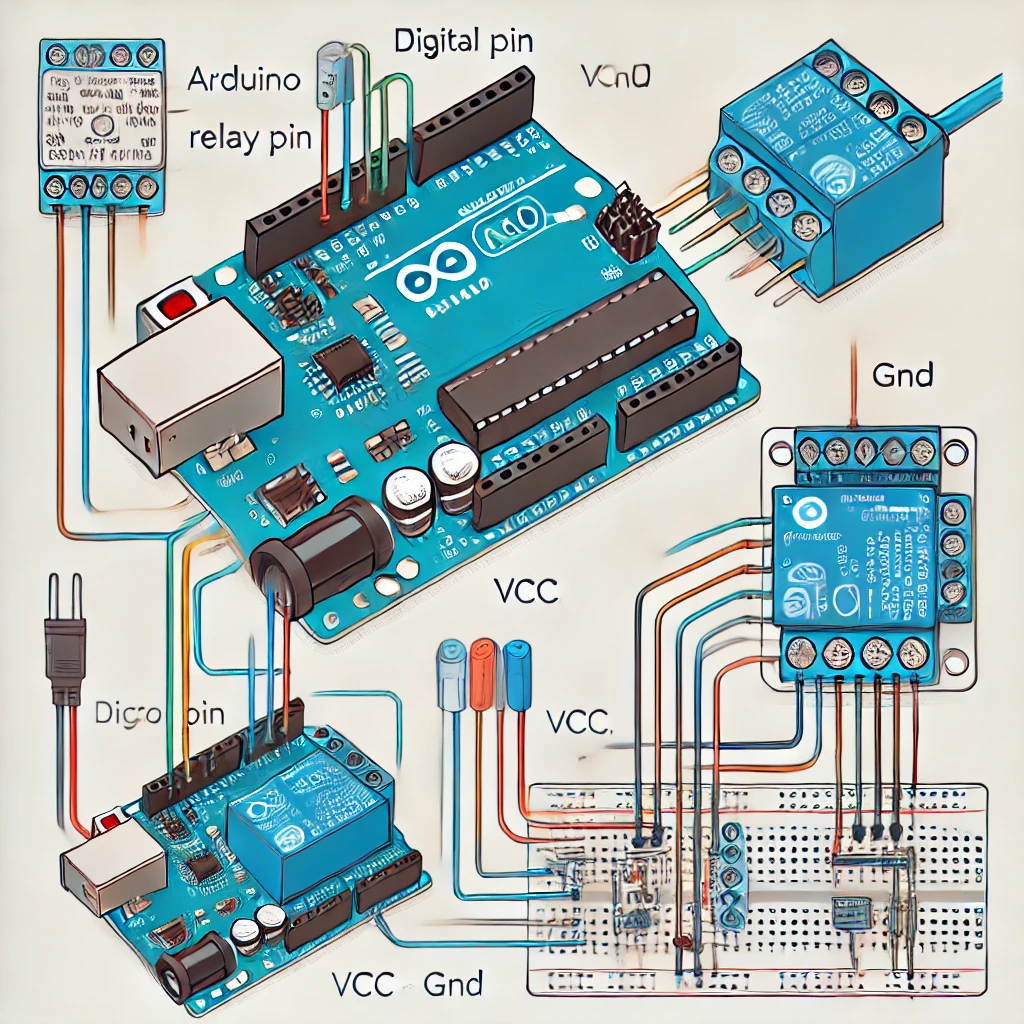
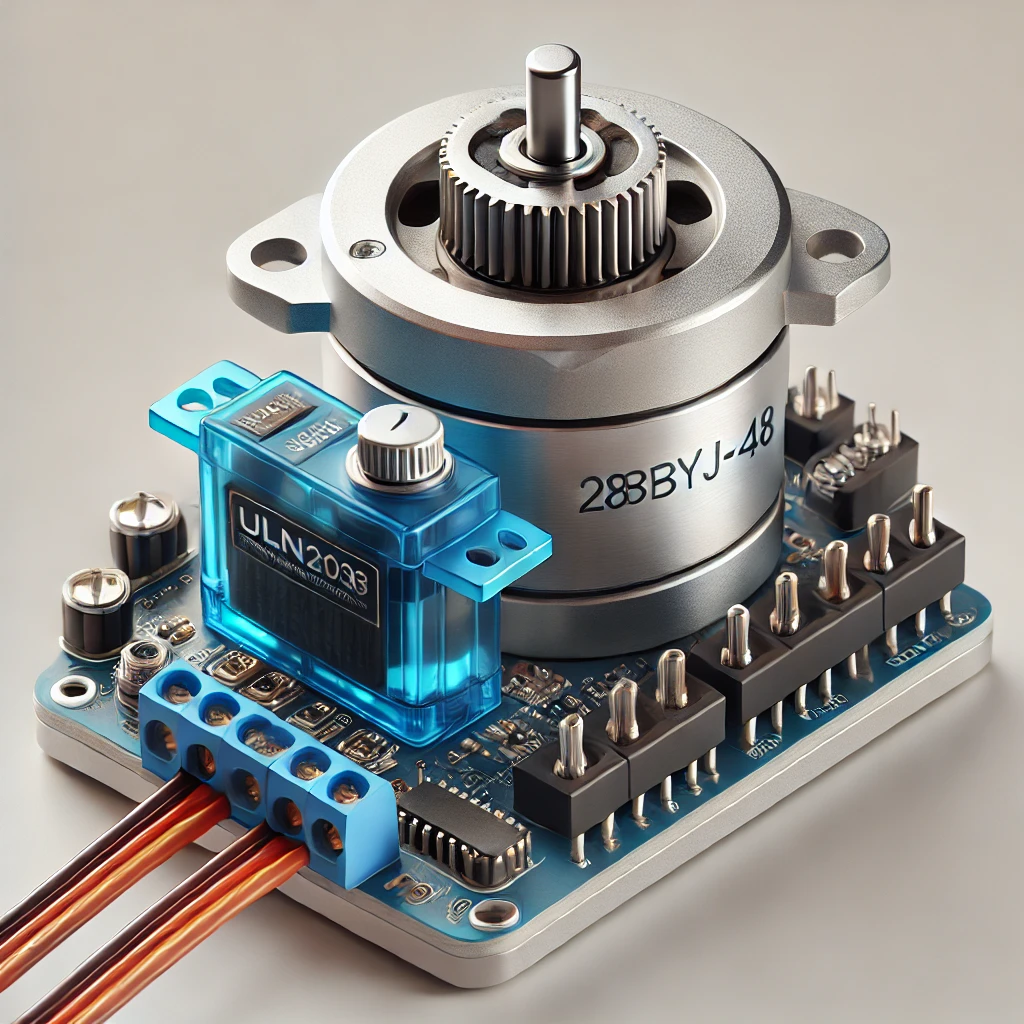
🤖🔥 Let’s start with a simple robotic arm or leg movement using servo motors and an Arduino. Read More

Posts pagination

Previous 1 … 4 5 6 7 Next
  • 3D printing
    • Filaments
  • Components
    • Capacitors
    • Diodes
    • Displays
    • Inductors
    • Integrated Circuits
      • 8-bit shift register
      • Arduino
      • ATtiny
      • Charger
      • ESP32
      • Motor Driver
      • Op-Amp
      • PWM driver
      • Raspberry Pi
      • RTC chips
      • STC
      • Timers
      • USB-to-UART
    • Modules
      • Bluetooth
      • Joystick Module
      • Motion Tracking
      • Relay Module
      • Transceiver Module
    • Motors
      • Servo Motors
      • Stepper Motor
    • Optocoupler
    • Power-Related
    • Relays
    • Resistors
      • Potentiometers
    • Sensors
      • Temperature & Humidity
      • Ultrasonic Distance
    • Switches & Buttons
    • Transistors
    • Wires
  • Jokes
  • Promotion
  • Software
    • Arduino IDE
    • EasyEDA
    • Microchip Studio
    • Tinkercad
  • Tools
    • Fluxes
    • Solder Paste
  • Uncategorized

  • Gomining.jpeg

3D 3D print 28BYJ-48 ABS ADC Arduino ATtiny breadboard capacitor DHT11 DHT22 DS3231 ESP32 Filament Flux I2C I2C LCD 1602 Joystick Module Jumper Wires KY-023 LED MG996R microcontroller ne555 ohms PETG pico PLA potentiometer Push Button Raspberry Pi Relay Relay Module resistor RTC sensors servo motor SG90 Stepper Motor timer Tinkercad Tinkercad Circuits TPU usb USB-to-UART


  • gomining-65-768x768.png
Select Language
Copyright © 2026 Tricky Circuit.
  • My account
  • Blog
  • Shop
  • About
  • Contact
  • Cart
  • Learn