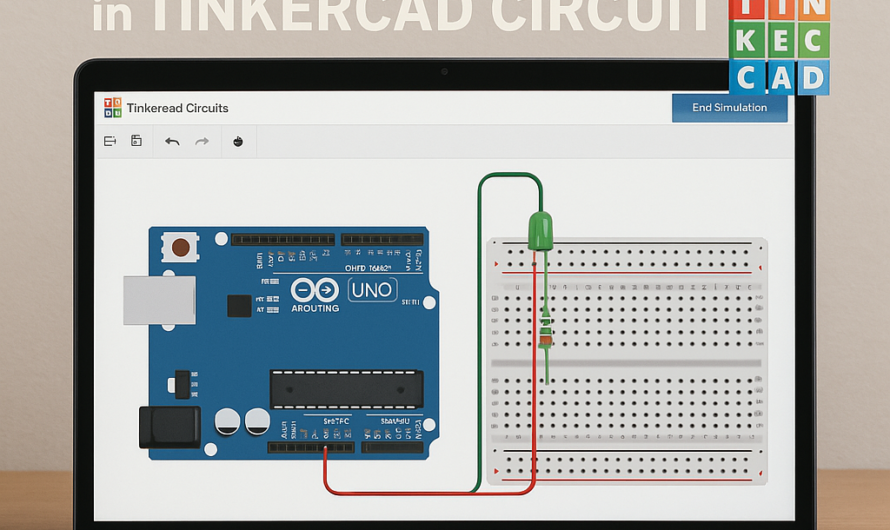
✅ Officially Supported Arduino Libraries in Tinkercad Circuits:
1. Servo.h 🤖🦾 2. LiquidCrystal.h 📺✨ 3. SoftwareSerial.h 🔄📡 4. Stepper.h 🛞⚙️ 5. EEPROM.h 💾📝 🚩 Libraries Not Supported: Tinkercad does not support custom or …
Unravel the Mystery of Electronics
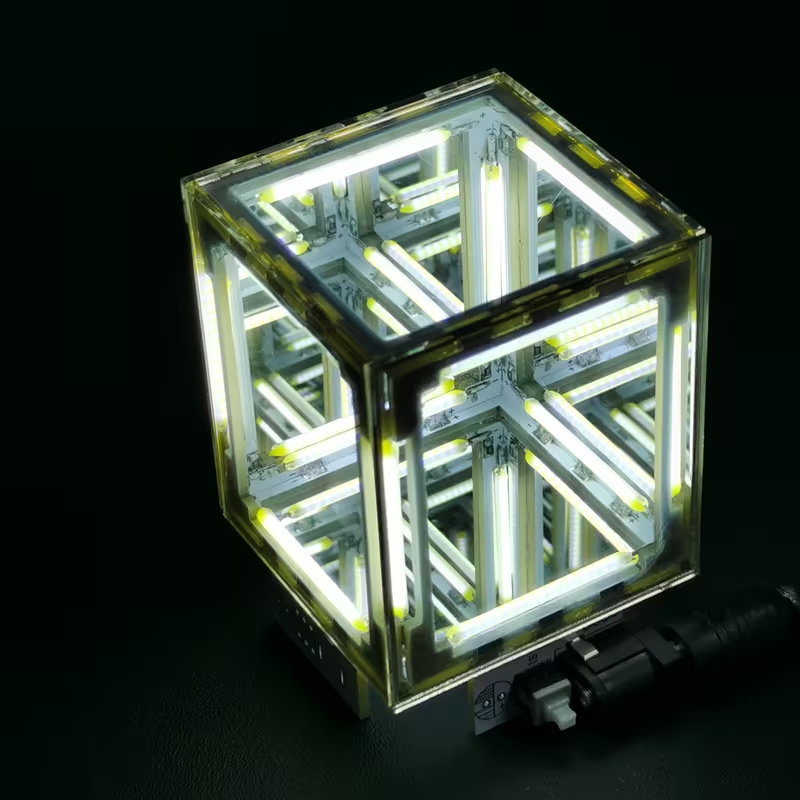
Listing specifies 5-volt direct current. Soldering required; battery and glue not included.
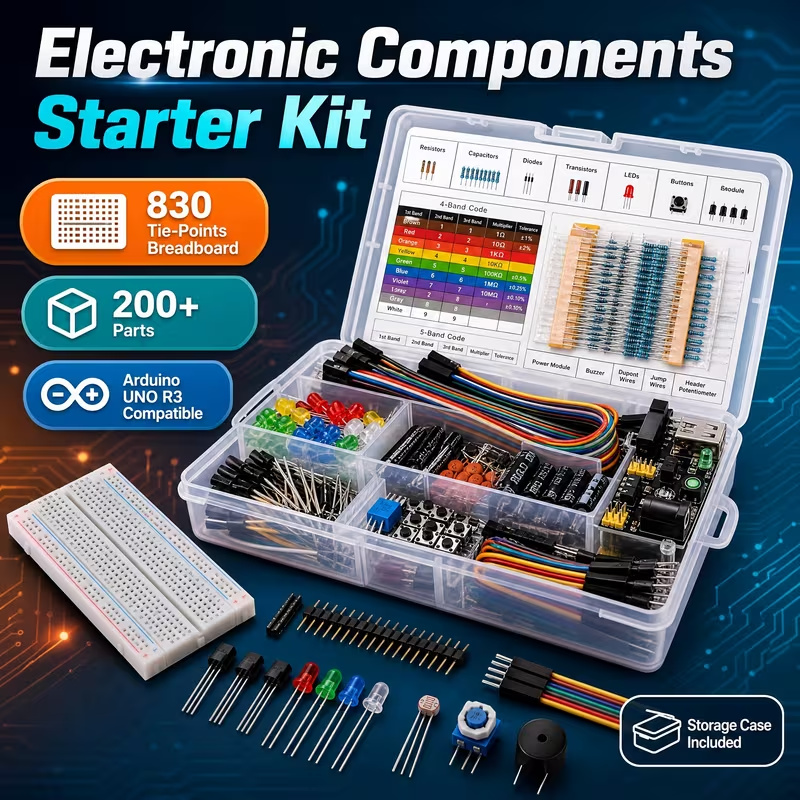
Breadboard, wires and assorted parts. Arduino controller board not included.
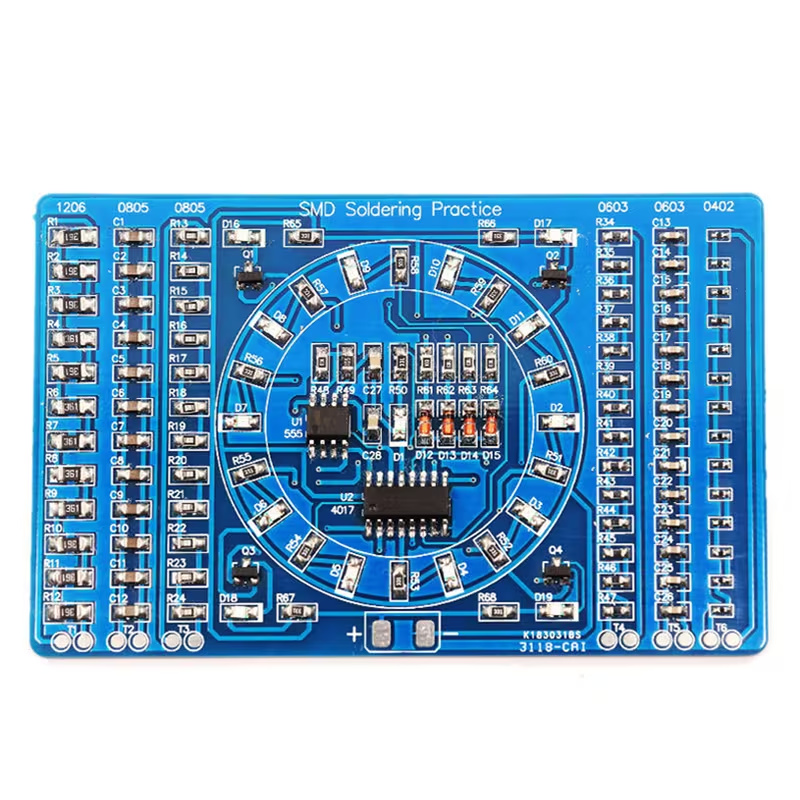
Surface-mount soldering practice. Battery and battery holder not included.
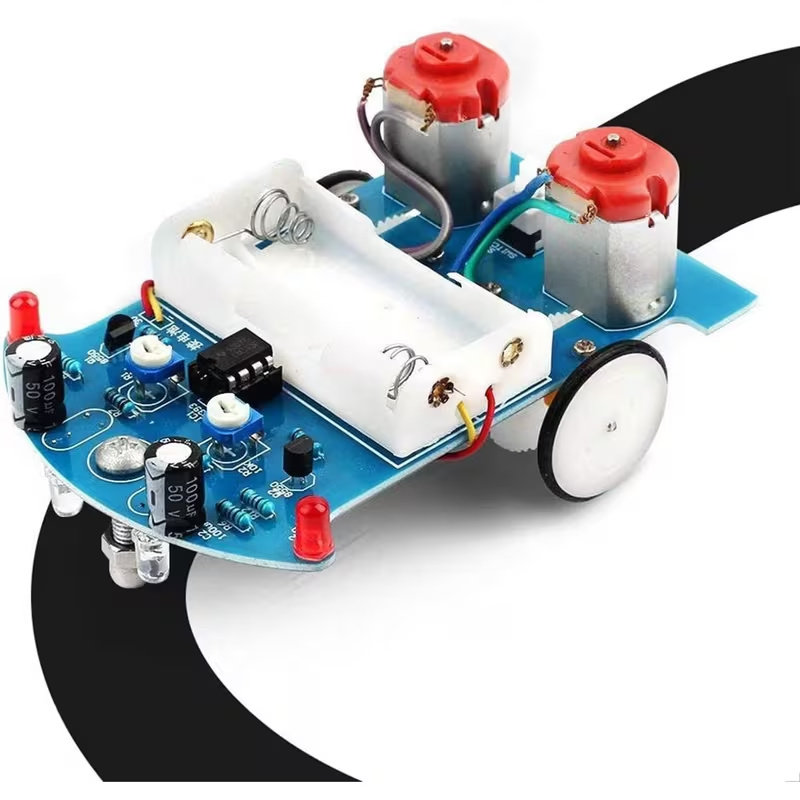
Soldering and assembly required. Check battery and track requirements before buying.
Tricky Circuit may earn a commission through these links. Product ideas have not been bench-tested by Tricky Circuit and are not verified lesson parts lists.
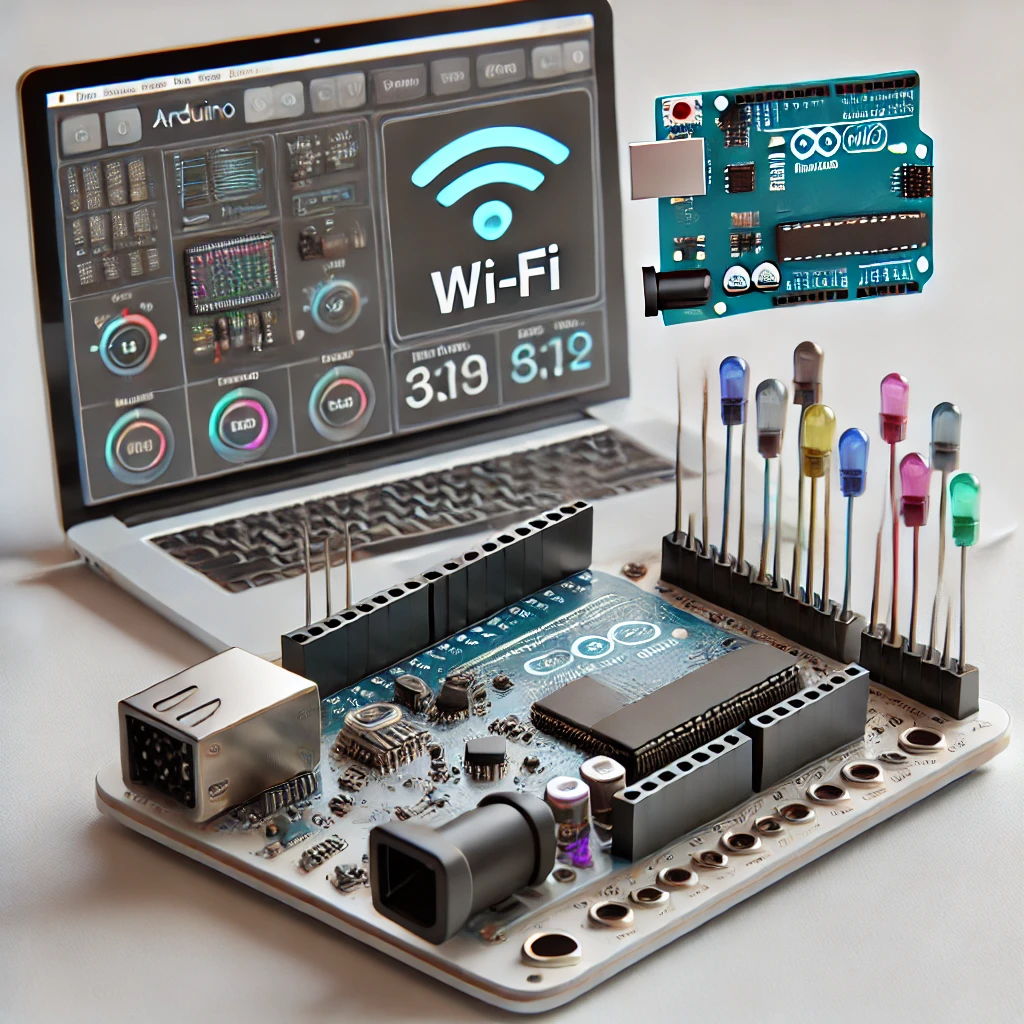
Arduino is an open-source electronics platform based on easy-to-use hardware and software. Arduino boards are able to read inputs—light on a sensor, a finger on a button, or a Twitter message—and turn it into an output—activating a motor, turning on an LED, publishing something online. You can tell your board what to do by sending a set of instructions to the microcontroller on the board. To do so you use the Arduino programming language (based on Wiring), and the Arduino Software (IDE), based on Processing.
1. Servo.h 🤖🦾 2. LiquidCrystal.h 📺✨ 3. SoftwareSerial.h 🔄📡 4. Stepper.h 🛞⚙️ 5. EEPROM.h 💾📝 🚩 Libraries Not Supported: Tinkercad does not support custom or …
1️⃣ PCA9685 – 16-Channel PWM Driver Why it rocks:Controls up to 16 servos or LEDs with just 2 I2C wires.Perfect for walking robots, robotic arms, …
Compare five Arduino audio methods: tone(), PWM, WAV playback from an SD card, MP3 modules and MIDI control, with example code, pros, cons and use cases.
Here are some common methods: 1. Using delay() (The Basic Method) ✅ Pros: ❌ Cons: 📌 Example Code 🛠 Use Case: 2. Using millis() (Non-blocking …
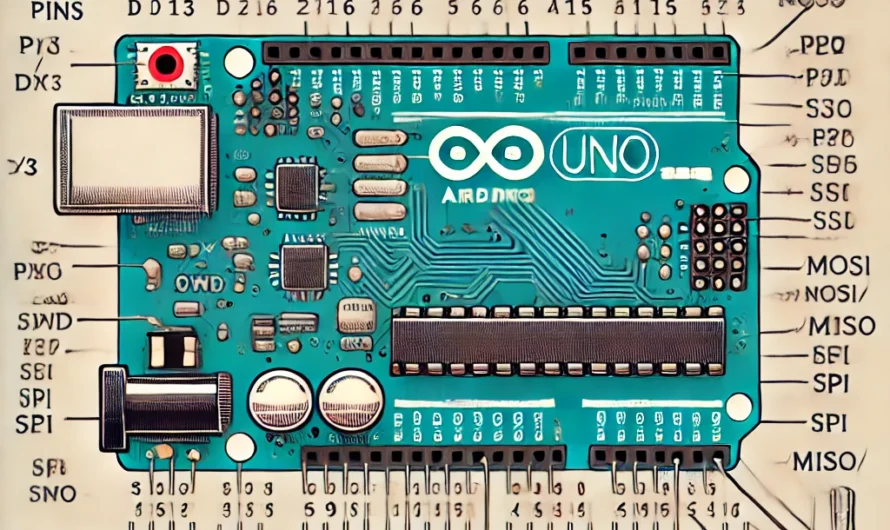
Arduino digital pins are highly versatile and can be used for basic I/O, PWM, serial communication, I2C/SPI interfaces, and interrupts. Whether controlling LEDs, reading sensors, or communicating with other devices, understanding digital pins unlocks the full potential of Arduino.
Arduino boards come with various types of pins, each serving a different function. Understanding these pins is essential for working with sensors, motors, displays, and communication modules.
🔹 Why Use WebSockets? 📌 1️⃣ Arduino R4 WiFi Code This sets up a WebSocket server on port 81 to control:✅ SG90 servo motor✅ 28BYJ-48 …
🔍 Overview Yes, you can absolutely play music on an Arduino! There are several approaches depending on your project needs and hardware: 💡 Method 1: …
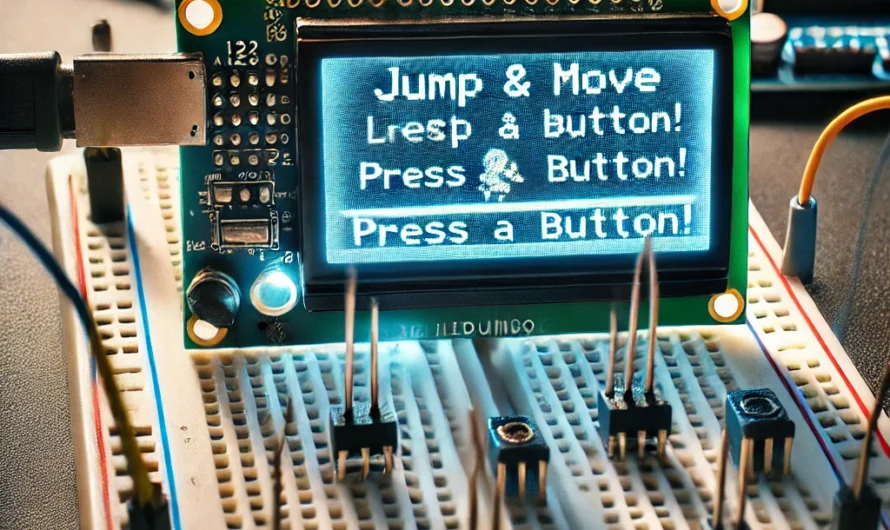
This update introduces basic obstacle mechanics and increases the complexity of the game. You can further expand this by adding multiple obstacle types, varying speeds, or even scores based on how many obstacles are successfully avoided.
This setup creates a very basic “Jump & Move” game using an Arduino, buttons, and an LCD. It’s a perfect foundation to explore more complex game mechanics and enhance your skills in programming and electronics design.
Explore these do-it-yourself project kits. Check the selected option, included parts and instructions on each offer.
Tricky Circuit may earn a commission if you buy through these Temu affiliate links. These are product ideas; they have not been bench-tested by Tricky Circuit and are not verified lesson parts lists.
Supplier product photo
Listing specifies 5-volt direct current. Soldering required; battery and glue not included.
Supplier product photo
Breadboard, wires and assorted parts. Arduino controller board not included.
Supplier product photo
Surface-mount soldering practice. Battery and battery holder not included.
Supplier product photo
Soldering and assembly required. Check battery and track requirements before buying.