1️⃣ Sensor Data Display
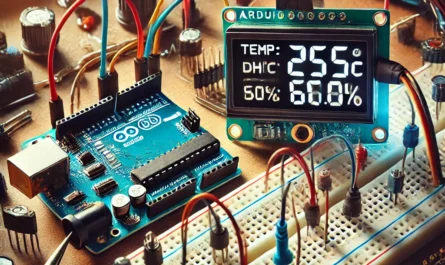
- 🌡️ Temperature & Humidity Monitor:
- Use sensors like the DHT11/DHT22 or BME280 to measure environmental data and display real-time readings.
- 💡 Light Sensor Display:
- Connect an LDR (photoresistor) to measure ambient light and display brightness levels.
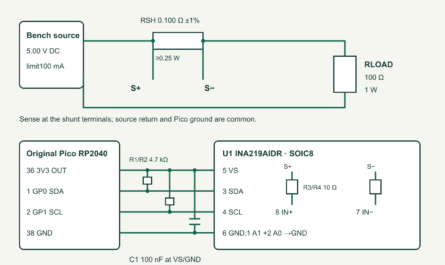
- 🔋 Battery Monitor:
- Monitor voltage or current in a circuit and show battery status on the LCD.
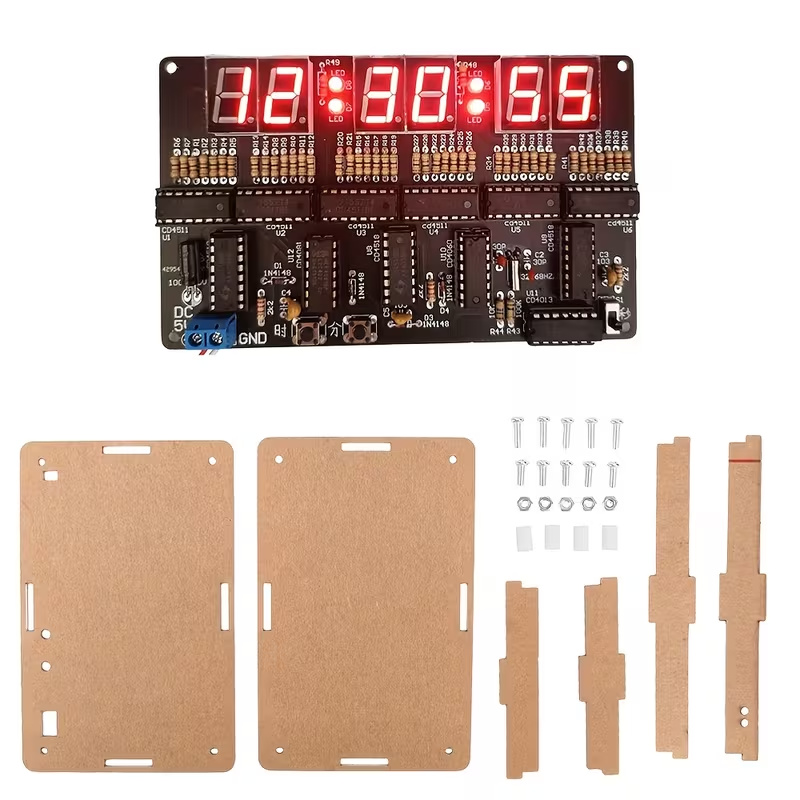
2️⃣ Digital Clock / Timer
- ⏰ Digital Clock:
- Use a real-time clock (RTC) module (e.g., DS1307 or DS3231) to build a clock that shows time, date, and even alarms.
- ⏳ Countdown Timer:
- Create a countdown or stopwatch that displays minutes, seconds, and even milliseconds.
3️⃣ Interactive Menu & User Interface
- 📋 Menu-Driven Interface:
- Develop a system where you can navigate through different options using buttons or a rotary encoder.
- Perfect for projects like home automation controls or selecting different operating modes.
- 🕹️ Text Adventure Game:
- Design a simple text-based adventure game where you use the LCD to display story elements and choices.
- 🔢 Calculator or Converter:
- Build a basic calculator or unit converter that interacts via buttons, showing inputs and results on the LCD.
4️⃣ Information Display for IoT Projects
- 🌐 Network Status:
- If you’re building an IoT device, you can display WiFi connection status, IP addresses, or sensor readings from the cloud.
- 📈 Data Logger Interface:
- Show logged data trends (like temperature graphs) using custom characters and scrolling text.
5️⃣ Fun & Creative Projects
- 🎮 Retro Games (Text-Based):
- While graphics are limited, you can create simple games like “Guess the Number” or a text-based adventure.
- 🔄 Status and Debug Information:
- Use the LCD as a debugging tool to display system status, error messages, or serial monitor outputs in a stand-alone project.
💡 Why Use the I2C LCD 1602?
- 🔌 Simplified Wiring:
- The I2C interface uses only two wires (SDA and SCL) plus power, keeping your circuit neat and simple.
- 🎨 Customization:
- Many libraries (like LiquidCrystal_I2C) support custom characters, so you can design your own icons, progress bars, or animations.
- 👨💻 Educational Value:
- Great for learning how to interface displays with microcontrollers and for building user-friendly interfaces.
📡Broadcast the signal — amplify the connection.