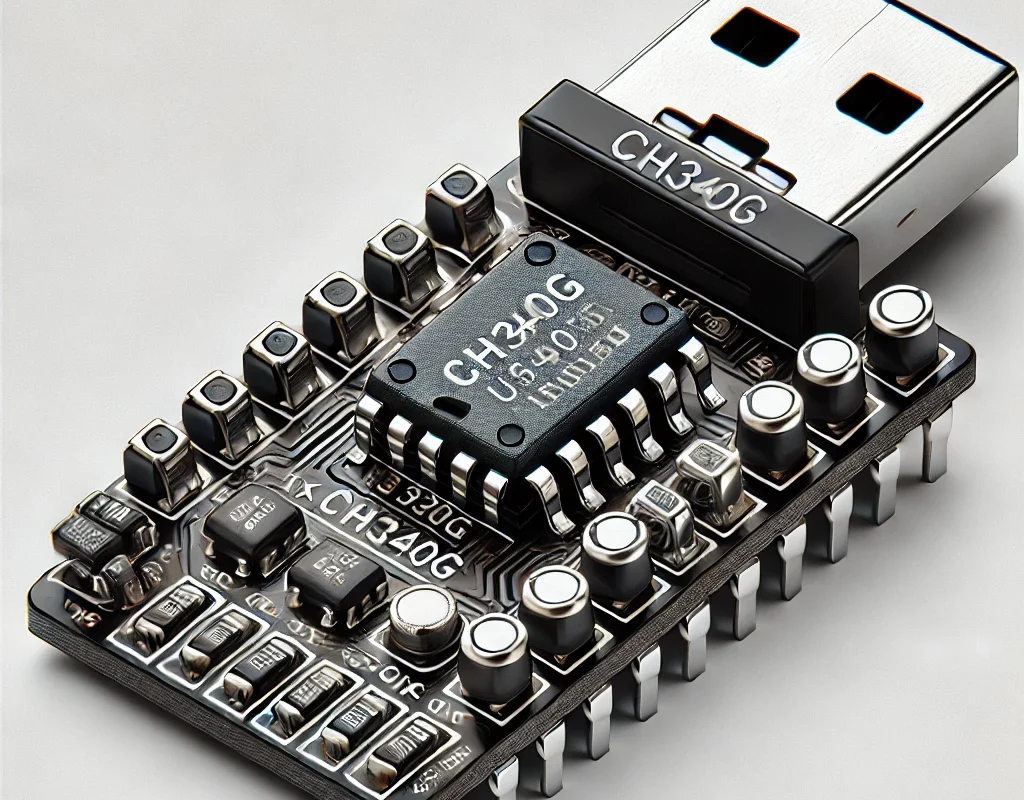
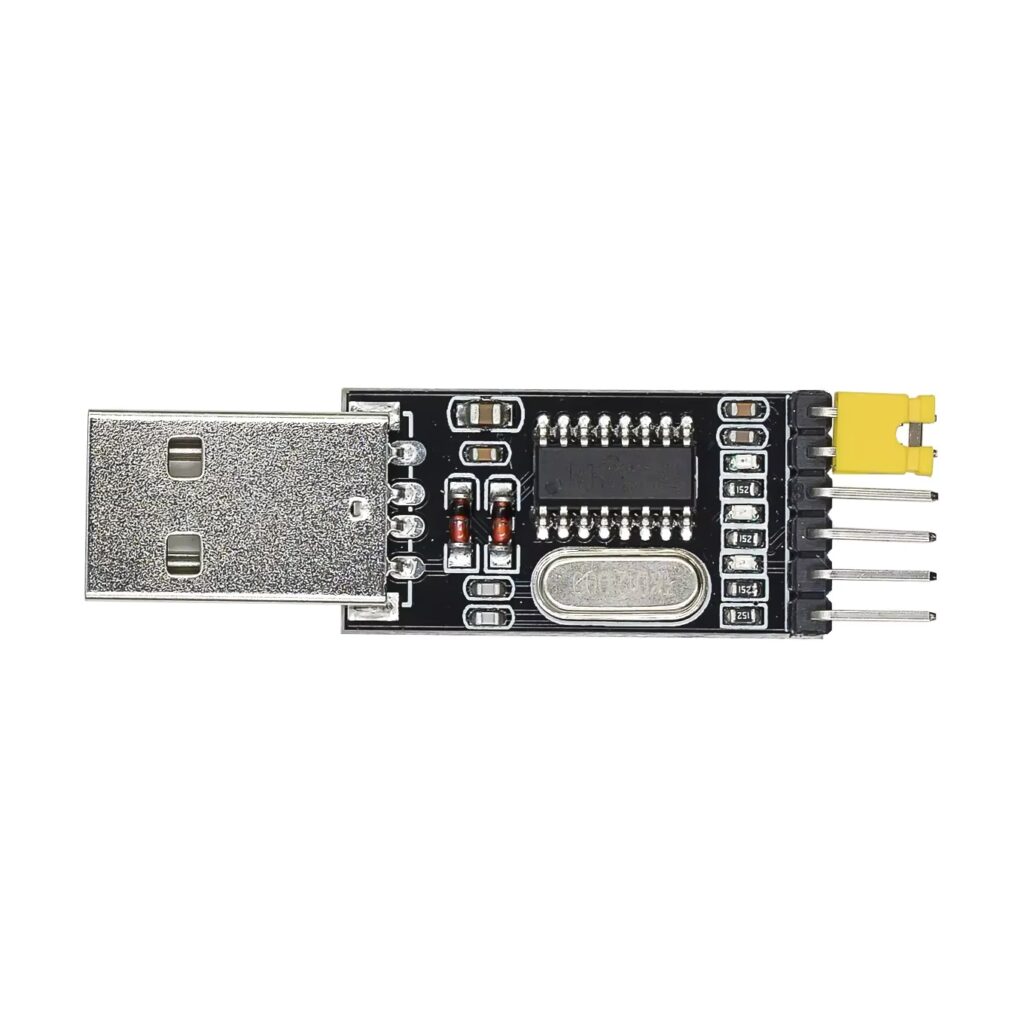
The CH340G is a USB-to-Serial (UART) converter IC developed by WCH (Nanjing QinHeng Electronics). It is commonly used to enable serial communication between microcontrollers (Arduino, ESP8266, STM32, etc.) and computers via a USB connection.
🔹 1. What is CH340G?
- The CH340G is a low-cost alternative to FTDI and CP2102 USB-to-serial converters.
- It is used in many Arduino clones and ESP8266/ESP32 boards to provide USB-to-UART functionality.
- Works with Windows, macOS, and Linux (may require drivers on some systems).
🔹 2. CH340G Features

| Feature | Description |
|---|---|
| USB Version | USB 2.0 (Full-Speed 12Mbps) |
| Baud Rate | Supports 50bps to 2Mbps |
| Voltage Support | 3.3V / 5V Logic (via external circuits) |
| Flow Control | Supports RTS/CTS, DTR/DSR |
| Driver Support | Windows, macOS, Linux, Android |
| Package Type | SOP-16 (Surface Mount) |
| Power Consumption | Low power (ideal for embedded systems) |
📌 Note: Some systems (like Windows 10/11) may require CH340G drivers to be installed manually.
🔹 3. CH340G Pinout & Connections
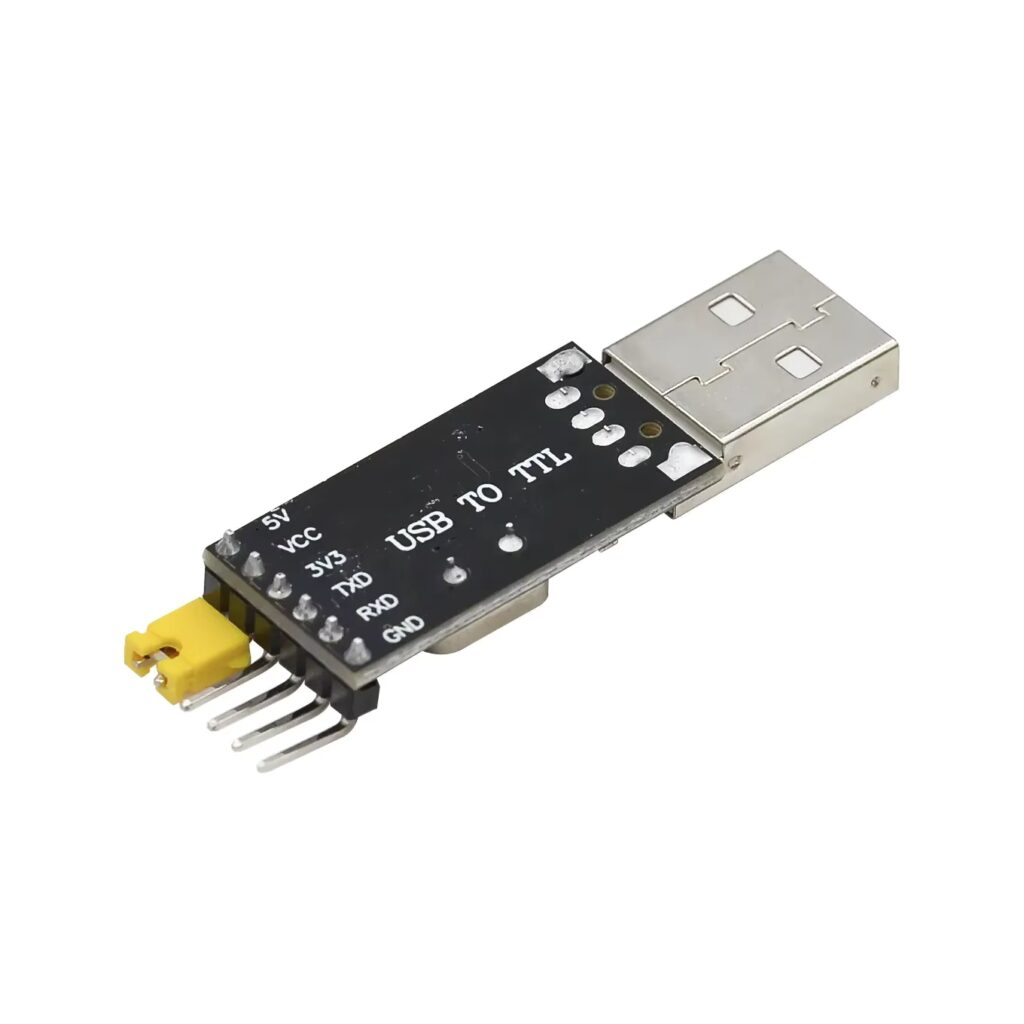
The CH340G has 16 pins, but only a few are commonly used in most applications.
| Pin | Function | Connection |
|---|---|---|
| VCC | Power (3.3V or 5V) | Connect to 3.3V or 5V |
| GND | Ground | Common ground |
| TXD | Transmit Data (UART) | Connect to RX of microcontroller |
| RXD | Receive Data (UART) | Connect to TX of microcontroller |
| DTR | Data Terminal Ready | Used for auto-reset on Arduino |
| RTS | Request to Send | Used for handshake |
| CTS | Clear to Send | Used for handshake |
| USB+ / USB- | USB Data Lines | Connect to USB port |
| XTIN / XTOUT | 12MHz Crystal Oscillator | Needed for stable USB communication |
📌 Most CH340G modules include a built-in 12MHz crystal and necessary passive components.
🔹 4. How to Connect CH340G to Arduino (Standalone MCU)
If you are using a bare ATmega328P (not an Arduino board), you can use CH340G to program it.
🛠 Required Components
- CH340G USB-to-Serial Module
- ATmega328P Microcontroller
- 100nF Capacitor (for Auto-Reset)
- Jumper Wires
- Breadboard
🛠 Wiring Diagram
| CH340G Pin | ATmega328P Pin |
|---|---|
| VCC → 5V | VCC |
| GND → GND | GND |
| TXD → RX (Pin 2) | Receive Data |
| RXD → TX (Pin 3) | Transmit Data |
| DTR → RESET (via 100nF capacitor) | For Auto-Reset |
📌 Use Arduino IDE to upload code via CH340G by selecting “Arduino Uno” as the board.
🔹 5. Installing CH340G Drivers
✅ Windows (Manual Driver Installation)
- Download CH340G driver from the official WCH website.
- Run
CH341SER.EXEand install. - Plug in the CH340G module and check Device Manager (
Win + X → Device Manager → Ports). - If installed correctly, it will show as USB-SERIAL CH340.
✅ macOS (Fixing CH340G Not Recognized)
- Download the macOS driver from WCH’s official website.
- Unzip and install.
- Run:bashCopyEdit
sudo kextload /Library/Extensions/usbserial.kext - Restart your Mac and check:bashCopyEdit
ls /dev/tty.*
✅ Linux
- CH340G is natively supported in most Linux distributions.
- Check with:bashCopyEdit
lsusb | grep CH340 - If needed, install drivers:bashCopyEdit
sudo apt update sudo apt install build-essential dkms sudo modprobe ch341
🔹 6. Common Issues & Fixes
| Issue | Possible Cause | Solution |
|---|---|---|
| Device not detected | Missing driver | Install correct CH340G driver |
| Wrong COM port | Multiple USB devices connected | Check COM port in Device Manager |
| Upload fails | DTR pin not connected | Ensure DTR → RESET via 100nF capacitor |
| Garbled Serial Output | Wrong baud rate | Set correct baud rate (e.g., 9600, 115200) |
| MacOS M1/M2 issues | Security restrictions | Install driver & disable SIP if necessary |
🔹 7. CH340G vs. Other USB-to-Serial Converters
| Feature | CH340G | FT232RL (FTDI) | CP2102 |
|---|---|---|---|
| Cost | Very Low (~$1-2) | High (~$10) | Medium (~$5) |
| Speed | 2 Mbps | 3 Mbps | 3 Mbps |
| Voltage Levels | 3.3V / 5V | 3.3V / 5V | 3.3V / 5V |
| Driver Issues | Needs manual install (Windows/macOS) | Native in most OS | Native in most OS |
| Ease of Use | Moderate (Manual Driver) | Easy | Easy |
📌 Verdict: CH340G is a cost-effective alternative to FTDI but may require manual driver installation.
🎯 Conclusion
- CH340G is a USB-to-serial UART chip used in Arduino clones, ESP8266 modules, and embedded systems.
- It is a low-cost alternative to FTDI and CP2102.
- Works with Windows, macOS, and Linux (but may need drivers).
- Supports baud rates up to 2Mbps and works with 3.3V & 5V logic.
- Ideal for serial communication, microcontroller programming, and debugging.