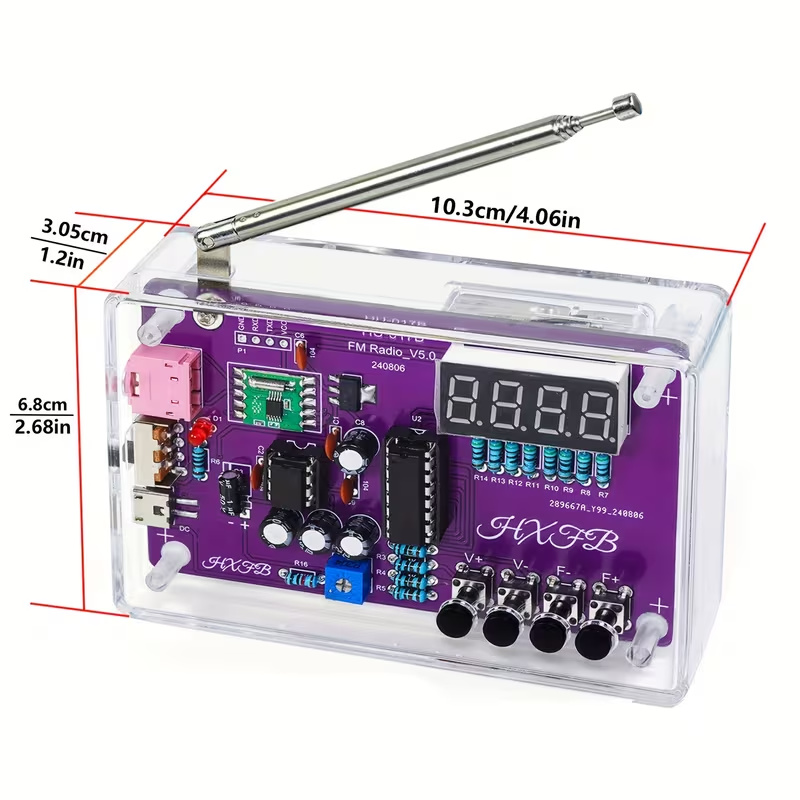
Supplier photo of an assembled radio kit with a purple circuit board, telescopic antenna and clear case.
Supplier photo
Temu affiliate offer · Project idea

Build a radio

Soldering required. Check the supplied parts and board revision.

View kit on Temu

Tricky Circuit may earn a commission through these links. Product ideas have not been bench-tested by Tricky Circuit and are not verified lesson parts lists.

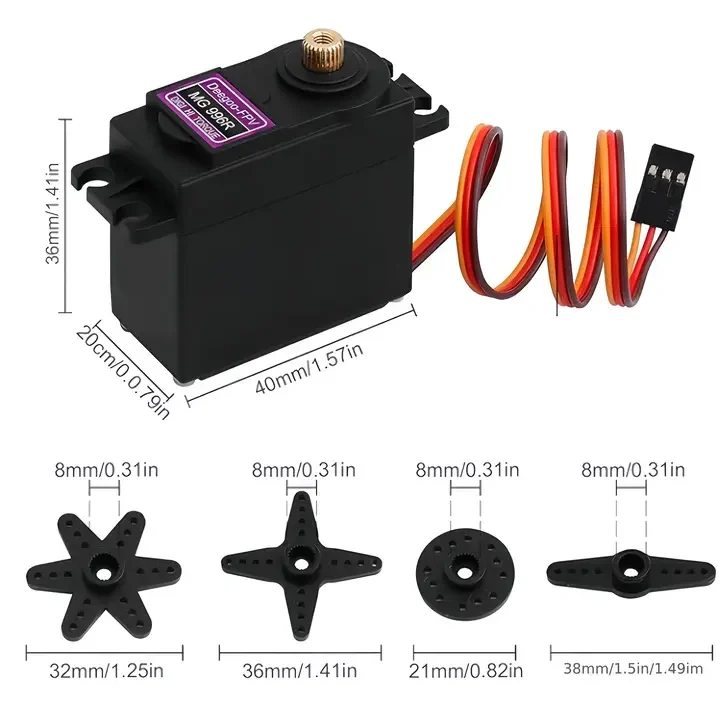
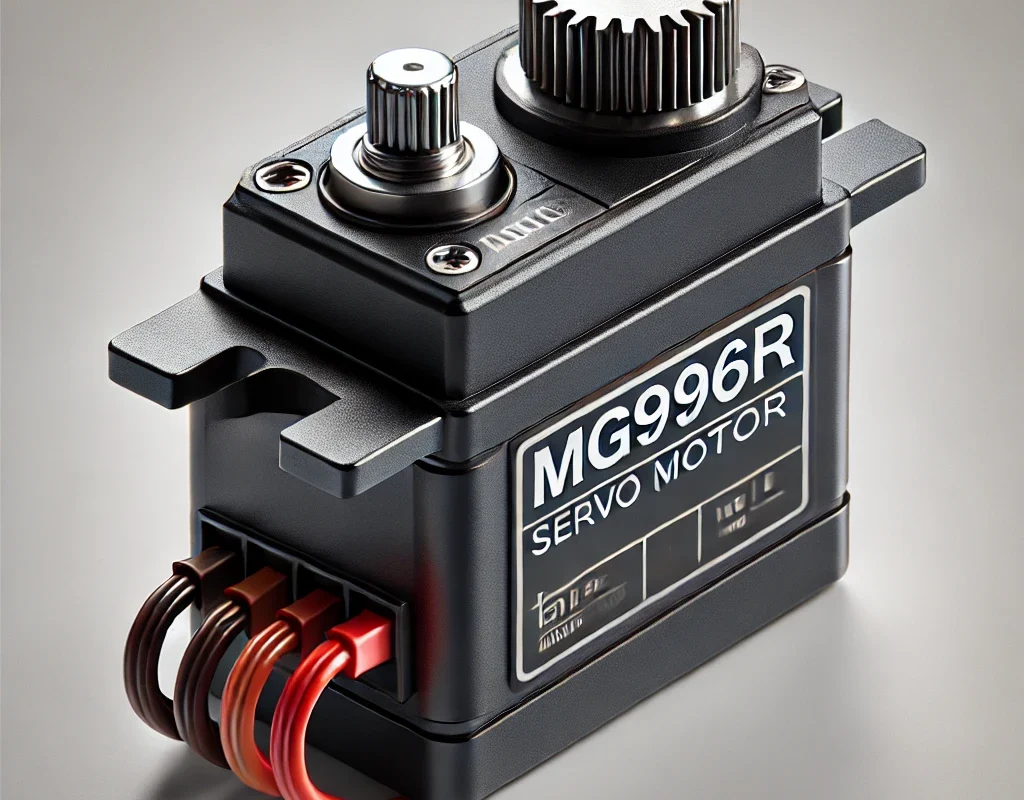
🔧 MG996R – Overview

📌 Key Specs:

  • Type: Servo motor
  • Rotation Angle: ~180° (can go a bit over)
  • Operating Voltage: 4.8V – 7.2V
  • Torque:
     - Up to 11 kg/cm at 6V 💪
  • Speed: ~0.2 sec/60° at 6V
  • Control: PWM (Pulse Width Modulation)

🧃 Wiring:

  • Red: VCC (+ power)
  • Brown or Black: GND
  • Orange or Yellow: Signal (PWM control)

🟦 Controlling MG996R with Arduino

🔌 Wiring:

  • Signal (orange) → Arduino D9
  • VCC (red) → External 5V–6V power source
  • GND (brown) → Connect to both Arduino GND and external power GND

🧾 Arduino Code:

#include <Servo.h>

Servo myServo;

void setup() {
  myServo.attach(9); // Signal pin
}

void loop() {
  myServo.write(0);     // Rotate to 0°
  delay(1000);
  myServo.write(90);    // Rotate to 90°
  delay(1000);
  myServo.write(180);   // Rotate to 180°
  delay(1000);
}

🟩 Controlling MG996R with ESP32

ESP32 needs a special library: ESP32Servo
Install via: Sketch → Include Library → Manage Libraries → Search “ESP32Servo”

🔌 Wiring:

  • Signal → Any PWM-capable pin (e.g. GPIO 18)
  • VCC → External 5V–6V power source
  • GND → Common ground between ESP32 and power supply

🧾 ESP32 Code:

#include <ESP32Servo.h>

Servo myServo;

void setup() {
  myServo.setPeriodHertz(50); // 50Hz for MG996R
  myServo.attach(18);         // Signal pin (e.g. GPIO18)
}

void loop() {
  myServo.write(0);
  delay(1000);
  myServo.write(90);
  delay(1000);
  myServo.write(180);
  delay(1000);
}

⚠️ Pro Tips:

  • 🔋 MG996R is powerful — use an external power source (not just from Arduino or ESP32).
  • 🧯 Limit movement between 10° to 170° to avoid servo stress at the ends.
  • 💥 Be cautious when using with 3.3V logic (ESP32 is okay, but use resistors if needed).
📡Broadcast the signal — amplify the connection.

Leave a Reply

Temu affiliate offers

Find your next electronics project

Explore these do-it-yourself project kits. Check the selected option, included parts and instructions on each offer.

Tricky Circuit may earn a commission if you buy through these Temu affiliate links. These are product ideas; they have not been bench-tested by Tricky Circuit and are not verified lesson parts lists.

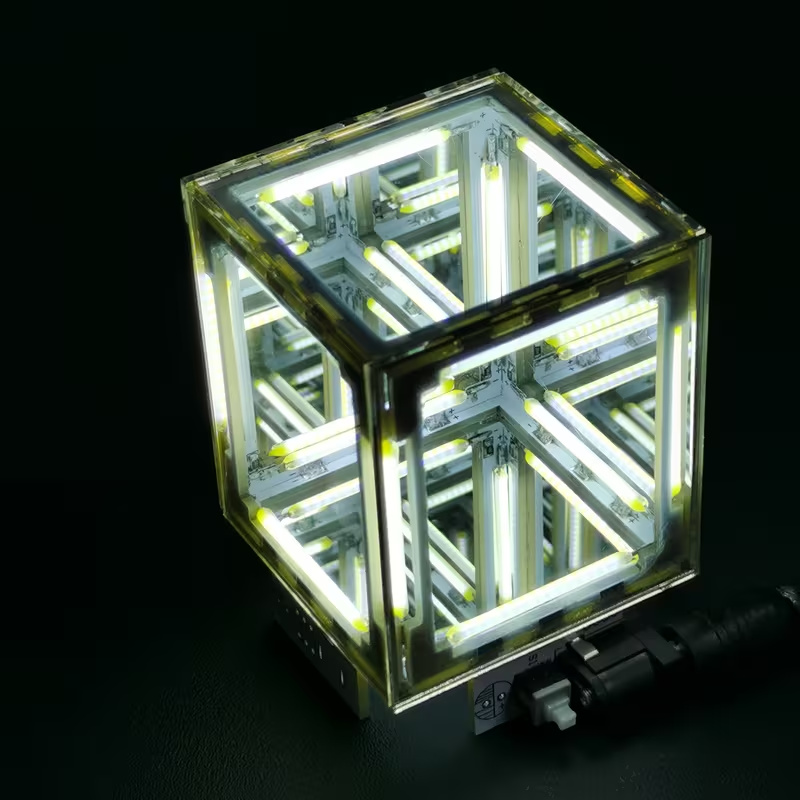
Supplier photo of an assembled infinity mirror light cube illuminated on a dark background.

Supplier product photo

Build an infinity light cube

Listing specifies 5-volt direct current. Soldering required; battery and glue not included.

View kit on Temu

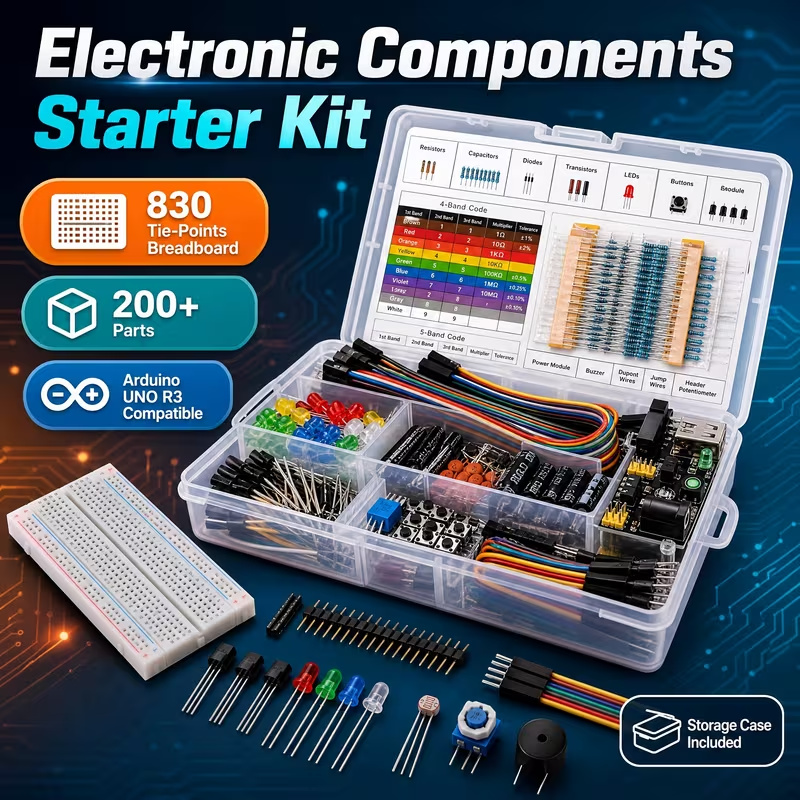
Supplier photo of a breadboard, jumper wires and assorted electronic components in a plastic storage case.

Supplier product photo

Try breadboard experiments

Breadboard, wires and assorted parts. Arduino controller board not included.

View kit on Temu

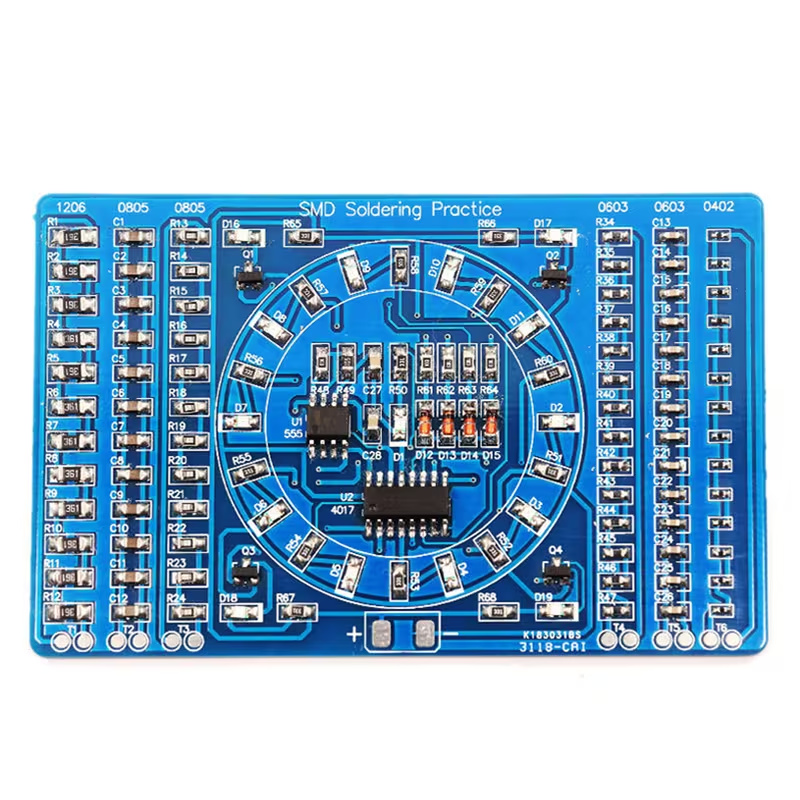
Supplier photo of an assembled blue surface-mount soldering practice board with a circular ring of small lights.

Supplier product photo

Solder a chasing-light board

Surface-mount soldering practice. Battery and battery holder not included.

View kit on Temu