
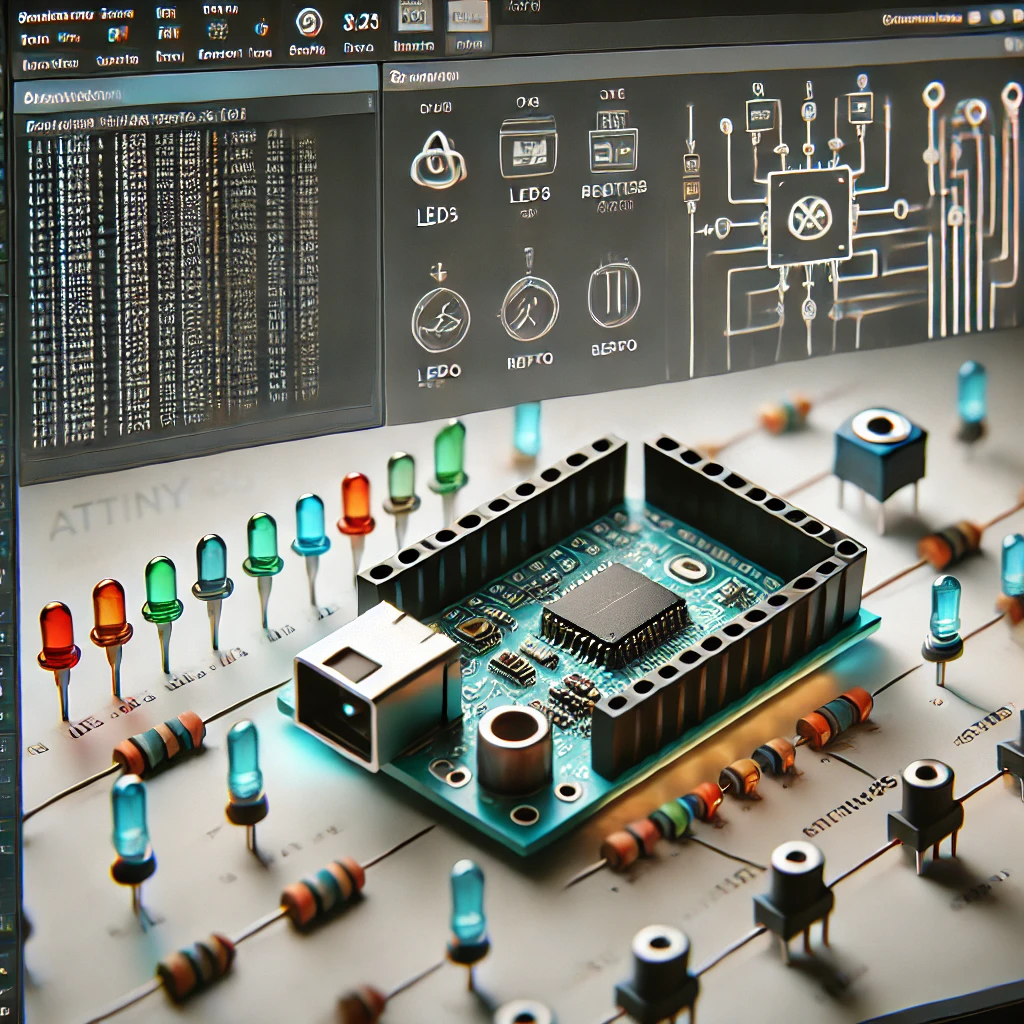
1️⃣ Tinkercad Circuits
- 💻 Platform: Online, browser-based simulation tool (Free)
- ⚙️ Features:
- Simulates Arduino-based circuits easily.
- Drag-and-drop interface for components including microcontrollers, LEDs, buttons, etc.
- ATtiny Simulation: Although primarily designed for Arduino Uno, it offers basic support for ATtiny boards—but some advanced features (like precise timer interrupts or low-level hardware details) might be limited.
- 🔗 Use Case:
- Great for beginners and quick prototyping.
- Ideal for testing basic ATtiny sketches and simple sensor/actuator projects.
2️⃣ Proteus Design Suite
- 🛠️ Platform: Commercial, Windows-based simulation and PCB design tool
- ⚙️ Features:
- High-fidelity simulation of electronic circuits, including both analog and digital components.
- Extensive support for AVR microcontrollers (including many ATtiny variants) with detailed models.
- Advanced simulation of timing, interrupts, and peripheral behavior.
- 🔗 Use Case:
- Perfect for professional projects, academic research, and complex circuit simulations.
- Often used for debugging and testing before hardware fabrication.
- 💰 Note:
- Proteus is a paid tool, though there are educational versions available.
3️⃣ SimulIDE
- 🔓 Platform: Open-source, lightweight simulation software
- ⚙️ Features:
- Real-time simulation of simple circuits and microcontrollers.
- Supports basic Arduino and ATtiny simulations, allowing you to test code and see output in a simulated environment.
- Easy-to-use interface, though it might lack some advanced features found in commercial software.
- 🔗 Use Case:
- Ideal for hobbyists and makers who need a quick, free tool for prototyping.
- Suitable for simpler projects that don’t require high-fidelity simulation.
4️⃣ Atmel Studio (Microchip Studio)
- 🖥️ Platform: Official IDE for AVR and SAM microcontrollers, Windows-based (Free)
- ⚙️ Features:
- Provides a built-in simulator for AVR microcontrollers, including many ATtiny models.
- Allows debugging of code at the register level and simulating peripheral behavior.
- Focuses more on software debugging rather than full-blown circuit simulation.
- 🔗 Use Case:
- Great for developers who need detailed code debugging and want to simulate how their firmware will interact with the microcontroller hardware.
- Especially useful when you’re transitioning from simulation to actual hardware programming.
5️⃣ Virtual Breadboard (VBB)
- 🎛️ Platform: Simulation and prototyping tool for microcontrollers and circuits (Commercial with trial versions)
- ⚙️ Features:
- Allows interactive simulation of microcontroller circuits on a virtual breadboard.
- Supports a variety of microcontrollers, including ATtiny devices.
- Provides a visual layout that mimics physical breadboarding, making it easier to plan your wiring.
- 🔗 Use Case:
- Useful for visualizing circuit design and testing interactive projects.
- Good for projects that mix hardware prototyping with microcontroller programming.
🎯 Final Thoughts
Each of these tools has its strengths:
- Tinkercad Circuits: Excellent for quick, accessible prototyping and beginner-level projects.
- Proteus: Offers robust, detailed simulations for professional and advanced academic projects.
- SimulIDE: A lightweight, free solution for simple ATtiny projects.
- Atmel Studio (Microchip Studio): Best for in-depth code debugging and simulation of microcontroller behavior.
- Virtual Breadboard: Great for interactive visual prototyping and planning your circuit layout.
Choose the one that best fits your project needs and complexity. Happy simulating and enjoy coding! 😊👍