
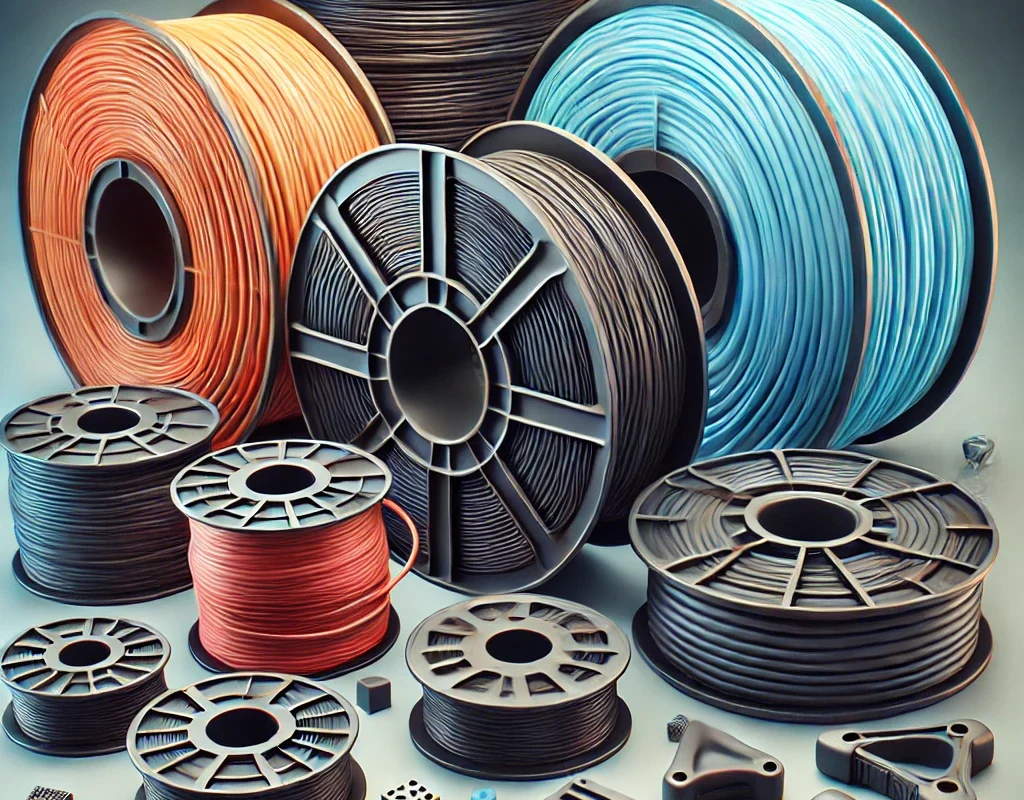
TPU (Thermoplastic Polyurethane) is one of the coolest 3D printing materials because it’s FLEXIBLE, DURABLE, and TOUGH! 🦾🎨 Whether you want to print rubber-like parts, shock absorbers, or even wearable tech, TPU is the go-to filament!
Let’s deep dive into TPU’s properties, best print settings, challenges, and pro tips for perfect results! 🎯⚙️
🛠️ 1. What is TPU? – A Rubber-Like Filament 🤩
TPU is a flexible, elastic material that combines the properties of rubber and plastic. Unlike PLA or ABS, TPU bends, stretches, and resists impact, making it perfect for flexible parts!
🔹 Key Features of TPU:
✔ Flexible & stretchable! 🤸♂️ (Can bend without breaking!)
✔ Shock-absorbing! 🚀 (Used for bumpers, phone cases, and tires!)
✔ High wear & abrasion resistance! 🏎️ (Lasts longer than PLA or ABS!)
✔ Chemical-resistant & waterproof! 🧪 (Great for outdoor use!)
✔ Strong adhesion between layers! 🏗️ (No layer separation issues!)
✔ Available in different hardness levels! 🏋️ (Soft or semi-rigid TPU!)
🔹 Downsides of TPU:
❌ Harder to print than PLA! 🏗️ (Requires slow speeds & special extruder setup!)
❌ Can clog the extruder if not dialed in! ⚠️
❌ Stringing & oozing issues! 🕸️
📌 Best Use Cases:
✔ Flexible phone cases & grips! 📱
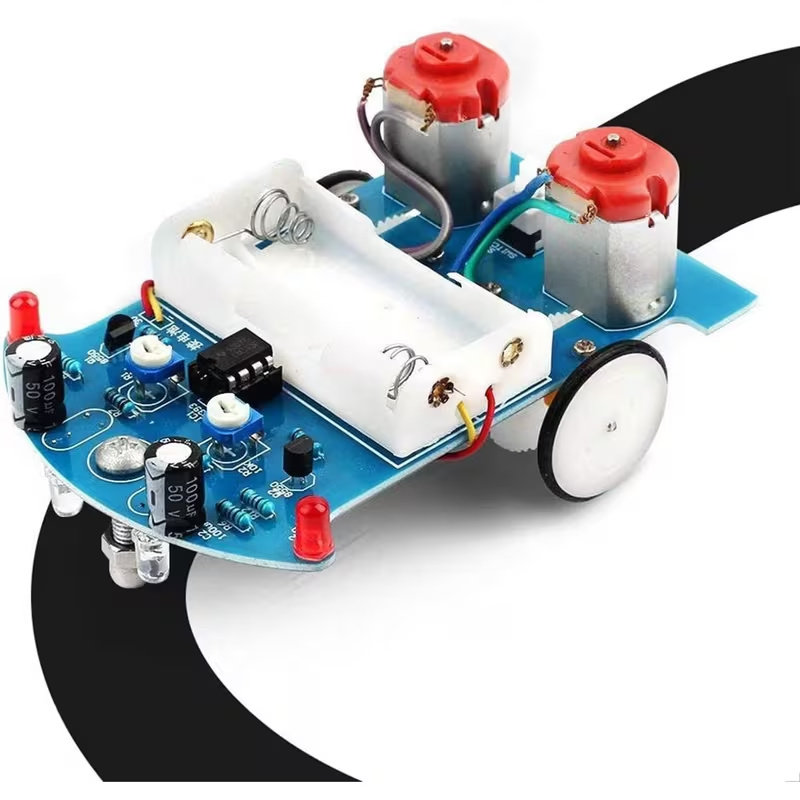
✔ RC car tires & robot wheels! 🤖🏎️
✔ Shock absorbers & vibration dampers! 🚀
✔ Wearable tech & prosthetics! 🦿👕
✔ Seals, gaskets, & waterproof parts! 💦
📌 2. Best TPU Print Settings for HIGH Quality! 🎯
| Setting | Recommended Value | Why It Matters |
|---|---|---|
| Nozzle Temperature | 210-250°C | Higher temps improve flow & adhesion! 🔥 |
| Bed Temperature | 50-60°C | Helps with first-layer adhesion. 🛏️ |
| Print Speed | 15-30mm/s | TPU needs slow speeds for accuracy! 🐢 |
| Layer Height | 0.2mm (Standard) or 0.1mm (High Detail) | Fine layers improve flexibility. 🏗️ |
| Retraction Distance | 1-2mm (Direct Drive) / 3-5mm (Bowden) | Reduces stringing! 🕸️ |
| Retraction Speed | 20-30mm/s | Too fast can grind filament! ⚙️ |
| Cooling Fan | 40-60% | Too much cooling can affect bonding! ❄️ |
| Flow Rate (Extrusion Multiplier) | 105-110% | TPU needs a little extra extrusion! 🎯 |
💡 Pro Tip: TPU prints better with a Direct Drive Extruder! If you have a Bowden setup, you may need higher temps & slower speeds! 🏎️
🔥 3. TPU Hardness Levels – What’s the Right Flex? 🏋️♂️
TPU is measured in Shore Hardness, which tells how soft or firm it is.
| Shore Hardness | Flexibility | Use Cases |
|---|---|---|
| Shore 85A | Super Soft 🧽 | Flexible hinges, soft grips |
| Shore 90A | Very Flexible 🤸♂️ | Shoe soles, soft phone cases |
| Shore 95A | Semi-Flexible 🏎️ | RC car tires, seals, gaskets |
| Shore 98A | Firm but Slightly Flexible 🦾 | Wearables, prosthetics |
💡 Lower Shore = More Flex! Soft TPU bends like rubber, while harder TPU feels more like flexible plastic. 🎯
🛠️ 4. Common TPU Printing Problems & Fixes! 🚀
🕸️ Stringing & Oozing (Messy Prints!)
❌ Problem: TPU is super soft, so it oozes out of the nozzle, causing stringing between parts.
✅ Solution:
✔ Increase Retraction Distance (Direct Drive: 1-2mm, Bowden: 3-5mm).
✔ Lower Print Temp by 5-10°C (Less heat = less oozing!).
✔ Enable Combing Mode in Slicer (Reduces travel moves!).
🛏️ First Layer Not Sticking (Print Won’t Stay on Bed!)
❌ Problem: TPU doesn’t adhere well to some beds, causing lifting.
✅ Solution:
✔ Use glue stick or PEI sheet for better adhesion! 🛏️
✔ Lower first-layer speed (~15mm/s) for better stick! 🐌
✔ Use a heated bed (50-60°C) to keep TPU from curling.
💨 Under-Extrusion (Print Looks Weak & Gappy!)
❌ Problem: TPU needs more pressure to push through the nozzle, so it might under-extrude.
✅ Solution:
✔ Increase Flow Rate (105-110%) in slicer!
✔ Print hotter (~230-250°C) for better flow! 🔥
✔ Reduce retraction speed (20mm/s) to prevent grinding!
⚙️ Nozzle Clogs & Filament Grinding!
❌ Problem: TPU is soft, so it can bend inside the extruder, causing jams!
✅ Solution:
✔ Use a Direct Drive Extruder (Better for TPU!).
✔ Lower retraction (Bowden: 3mm max, Direct Drive: 1mm).
✔ Print slower (~20-30mm/s) to avoid filament grinding.
🚀 5. Advanced TPU Printing Techniques!
🌟 Multi-Material Printing (TPU + PLA / PETG!)
You can combine TPU with hard materials for functional parts! 🤯
✔ Print flexible hinges in TPU, rigid parts in PLA/PETG! 🦿
✔ Use TPU as grip pads on rigid prints! 🏎️
💡 Set different temps in slicer to get perfect bonding! 🎯
🏆 6. Best TPU Brands for High-Quality Prints!
✔ eSun TPU 95A – Affordable & easy to print! 💰
✔ SainSmart TPU 95A – Great for flexible projects! 🏎️
✔ NinjaFlex 85A – Super soft & bendy! 🤸♂️
✔ MatterHackers Build Series TPU – Reliable and high-quality! 🔩
⚡ 7. TPU Printing Summary – Mastering Flex Filaments!
- 🔥 Nozzle Temp: 210-250°C
- 🛏️ Bed Temp: 50-60°C (Use glue stick!)
- 🐢 Speed: 15-30mm/s (Slow & steady!)
- ❄️ Cooling: 40-60%
- 🔄 Retraction: 1-2mm (Direct Drive), 3-5mm (Bowden)
- 🛏️ First Layer Fixes: PEI sheet, glue stick, slower speed
🚀 Final Thoughts: TPU is the Future of Flexible Printing!
TPU is an incredible material for wearables, robotics, and shock-resistant parts! 🤖🏎️ Once you dial in the right settings, you’ll be printing flexible masterpieces! 🎨✨