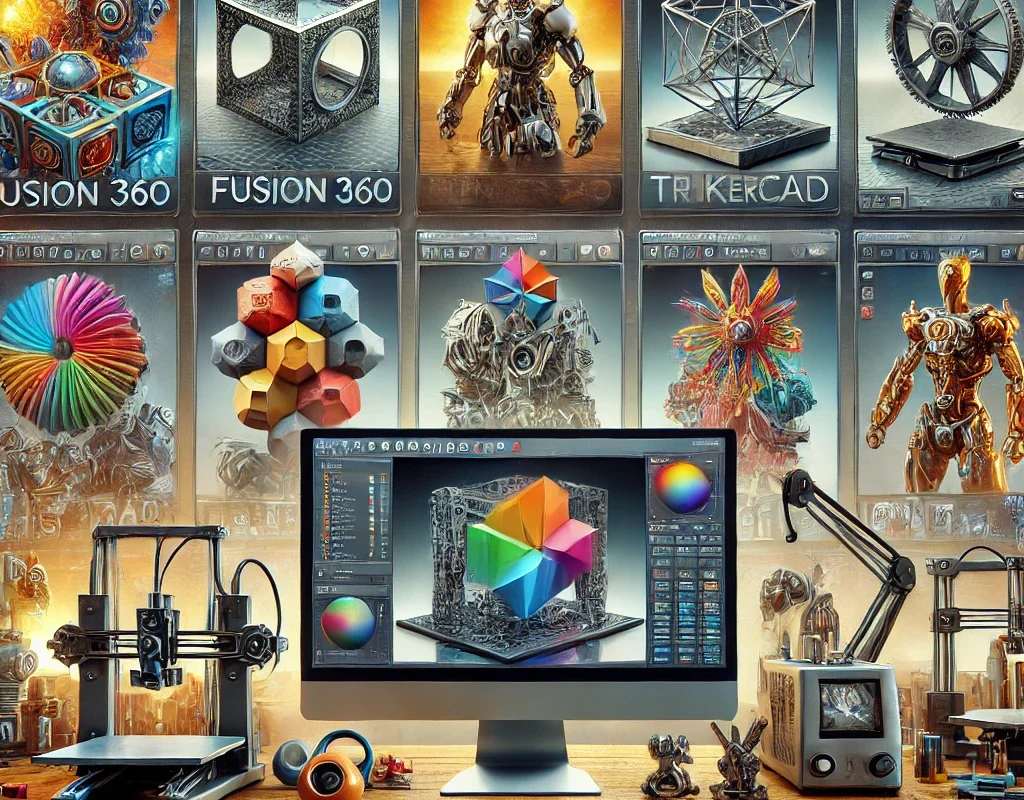
If you want to design robot parts, wheels, enclosures, gears, mechanical components, artistic models, or even entire humanoid robots, 3D modeling software is where the magic happens! 🤖✨
Let’s break down the best 3D design programs, categorized by difficulty level, features, and best use cases! 🎯
🟢 Beginner-Friendly 3D Modeling Software (Easy & Free!)
If you’re new to 3D modeling, these are the best programs to start with! 🎨👶
1️⃣ Tinkercad – Super Easy, Drag-and-Drop! 🏗️
✅ Best for: Beginners, hobbyists, and simple 3D prints.
✅ Features:
✔ Browser-based – No installation needed! 🌐
✔ Uses basic geometric shapes to build models.
✔ Great for robot wheels, small enclosures, simple parts.
❌ Not ideal for complex mechanical designs.
🎯 Use It For: Basic robot chassis, mounts, and beginner projects.
🔗 Try It Here: Tinkercad
2️⃣ Fusion 360 – Perfect for Engineering & 3D Printing! ⚙️
✅ Best for: Functional 3D prints, mechanical designs, and professional engineering.
✅ Features:
✔ Parametric modeling – Adjust parts with exact dimensions! 📏
✔ Integrated simulation tools (stress analysis, motion simulation).
✔ Free for hobbyists, students, and makers! 🎉
❌ Requires learning curve but totally worth it! 🚀
🎯 Use It For: Robot arms, servo mounts, precise mechanical components, motor housings.
🔗 Try It Here: Fusion 360
3️⃣ SketchUp – Fast & Intuitive for Basic Designs! ✏️
✅ Best for: Architecture, enclosures, and simple mechanical parts.
✅ Features:
✔ Easy push-pull modeling (great for boxy designs).
✔ Good for robot casings, frames, and structural elements.
❌ Not great for complex mechanical components.
🎯 Use It For: Robot chassis, control box designs, enclosures.
🔗 Try It Here: SketchUp
🟡 Intermediate 3D Modeling Software – More Power, More Control! 💪
If you need more precision, advanced tools, and professional-grade features, these programs are perfect for serious 3D modeling! ⚙️
4️⃣ FreeCAD – Open-Source & Powerful! 🛠️
✅ Best for: Engineering, mechanical design, and open-source projects.
✅ Features:
✔ Parametric modeling (easy to adjust dimensions & modify designs).
✔ Free & open-source! 🆓
✔ Supports gears, assemblies, and mechanical simulations.
❌ Interface feels outdated, harder to learn than Fusion 360.
🎯 Use It For: Gears, mechanical joints, robotic arms, servo mounts, enclosures.
🔗 Try It Here: FreeCAD
5️⃣ Blender – The King of 3D Art & Sculpting! 🎨
✅ Best for: Organic modeling, sculpting, character design, animation.
✅ Features:
✔ Powerful sculpting tools – Great for robotic faces, humanoid parts! 🤖
✔ Animation & rendering capabilities.
✔ Free & open-source!
❌ Not ideal for precise mechanical design (no parametric modeling).
🎯 Use It For: Humanoid robot heads, artistic enclosures, sci-fi props, complex robot designs.
🔗 Try It Here: Blender
6️⃣ Onshape – Cloud-Based CAD for Professional Use! ☁️
✅ Best for: Professional CAD design, collaboration, and real-time team projects.
✅ Features:
✔ Works entirely in the cloud (no need to install).
✔ Great for precise mechanical parts, assemblies, and moving parts.
✔ Used in robotics, engineering, and industrial design.
❌ Requires an internet connection, free version is limited to public projects.
🎯 Use It For: Gears, motor mounts, mechanical robot parts, CAD-heavy projects.
🔗 Try It Here: Onshape
🔴 Advanced & Professional 3D Modeling Software – Industry-Level Tools! 🚀
If you’re working on complex robotics, high-end engineering, or professional manufacturing, these are the top-tier programs! 🏗️
7️⃣ SolidWorks – The Industry Standard for Mechanical Design! 🔩
✅ Best for: Professional engineers, industrial robotics, and product design.
✅ Features:
✔ Extremely precise parametric modeling! 📏
✔ Used in aerospace, automotive, and robotics.
✔ Best for designing mechanical joints, moving assemblies, and complex machines.
❌ Very expensive! 💰 (Used mainly by companies & professionals).
🎯 Use It For: Full robot designs, mechanical arms, complex assemblies.
🔗 More Info: SolidWorks
8️⃣ Siemens NX – High-End Engineering Software! 🏭
✅ Best for: Aerospace, automotive, and industrial robotics.
✅ Features:
✔ Advanced CAD, CAM, and CAE tools for manufacturing.
✔ Supports simulation, AI-driven optimizations, and complex motion analysis.
❌ Very expensive & hard to learn! ⚠️
🎯 Use It For: High-precision robotic engineering, industrial manufacturing.
🔗 More Info: Siemens NX
📌 Which 3D Modeling Software is Right for You? 🤔
| Software | Best For | Difficulty | Best For Robotics? |
|---|---|---|---|
| Tinkercad | Beginners, Simple Parts | 🟢 Easy | 🟡 Somewhat |
| Fusion 360 | Mechanical & 3D Print Design | 🟡 Medium | 🟢 Yes! |
| SketchUp | Architecture, Simple Models | 🟢 Easy | 🔴 No |
| FreeCAD | Engineering & CAD | 🟡 Medium | 🟢 Yes! |
| Blender | Artistic Models & Animation | 🔴 Hard | 🟡 Somewhat |
| Onshape | Professional CAD | 🟡 Medium | 🟢 Yes! |
| SolidWorks | Industrial Design & Robotics | 🔴 Hard | 🟢 Yes! |
| Siemens NX | Aerospace, High-End Design | 🔴 Very Hard | 🟢 Yes! |
🚀 Final Thoughts: Start Designing & Printing Your Robot!
If you’re just starting, go with Tinkercad or Fusion 360. 🎯
If you need more control, try FreeCAD or Onshape. 🔧
For high-end engineering, SolidWorks is the best! ⚙️