1️⃣ Components Needed
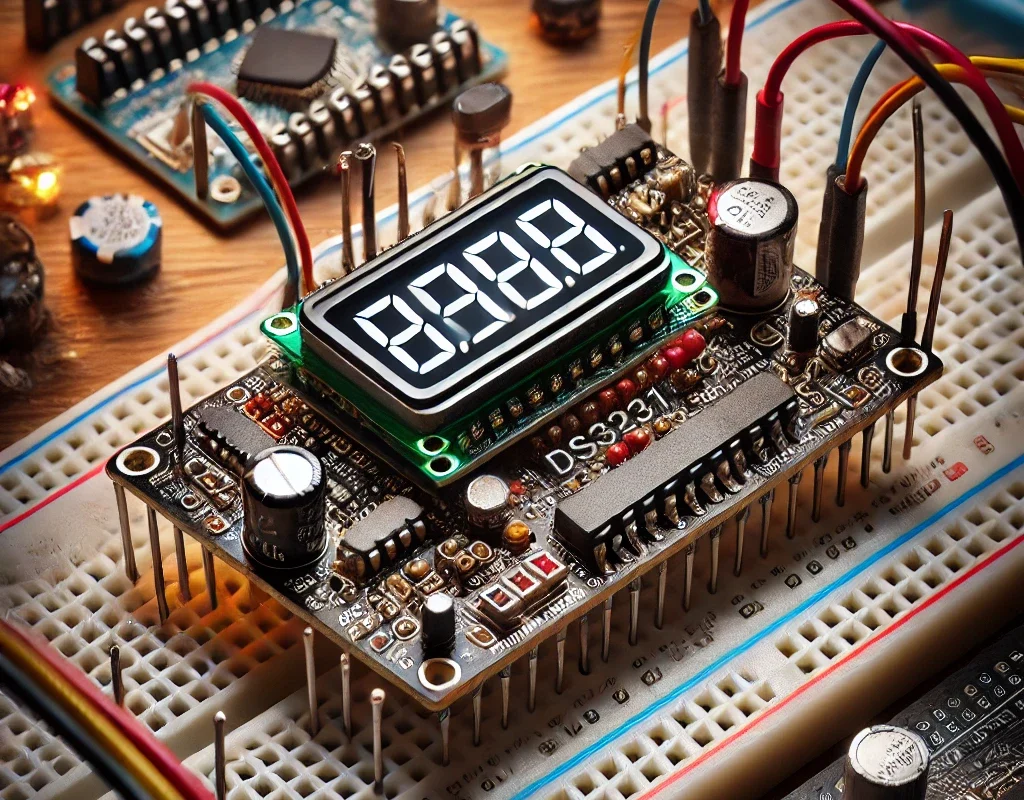
- DS3231 RTC Module: Handles all timekeeping functions.
- Microcontroller: An Arduino or any similar microcontroller can be used to interface with the RTC.
- Display: Typically, an LCD display like the 1602 LCD or an OLED display is used to show the time.
- Battery: A coin cell battery like CR2032 to keep the RTC running when the main power is off.
- Wires: For connections between the microcontroller, RTC, and display.
- Breadboard: Useful for prototyping without soldering.
2️⃣ Circuit Setup
Wiring the DS3231 to a Microcontroller (e.g., Arduino)
- VCC to Arduino 5V (or 3.3V if supported)
- GND to Arduino GND
- SCL (Serial Clock Line) to Arduino A5 (on Uno) or the SCL pin on other boards
- SDA (Serial Data Line) to Arduino A4 (on Uno) or the SDA pin on other boards
- The SQW (Square Wave) pin can be left unconnected if not used for interrupt features.
Connecting the Display
- If using an I2C LCD, connect the SDA and SCL of the LCD to the same lines as the RTC.
- Connect the LCD’s VCC and GND to the Arduino’s 5V and GND, respectively.
3️⃣ Software Setup
Programming the Arduino
#include <Wire.h>
#include <RTClib.h>
#include <LiquidCrystal_I2C.h>
RTC_DS3231 rtc;
LiquidCrystal_I2C lcd(0x27, 16, 2); // Adjust the LCD I2C address if different
void setup() {
  Serial.begin(9600);
  if (!rtc.begin()) {
    Serial.println("Couldn't find RTC");
    while (1);
  }

  if (rtc.lostPower()) {
    Serial.println("RTC lost power, let's set the time!");
    // The following line sets the RTC to the date & time this sketch was compiled
    rtc.adjust(DateTime(F(__DATE__), F(__TIME__)));
  }

  lcd.init();
  lcd.backlight();
}
void loop() {
  DateTime now = rtc.now();

  lcd.setCursor(0, 0);
  lcd.print(now.year(), DEC);
  lcd.print('/');
  lcd.print(now.month(), DEC);
  lcd.print('/');
  lcd.print(now.day(), DEC);

  lcd.setCursor(0, 1);
  lcd.print(now.hour(), DEC);
  lcd.print(':');
  lcd.print(now.minute(), DEC);
  lcd.print(':');
  lcd.print(now.second(), DEC);

  delay(1000);
}
4️⃣ Final Assembly
After programming, mount the Arduino, RTC, and display in a suitable enclosure to protect the components and provide a professional appearance.
This setup provides a basic digital clock that can be extended with features like alarms, temperature display (using DS3231’s built-in temperature sensor), or even syncing with an external time source. The DS3231’s high accuracy and battery backup capability ensure that timekeeping continues uninterrupted, even without main power.
Temu affiliate offer
Optional accessory for this article
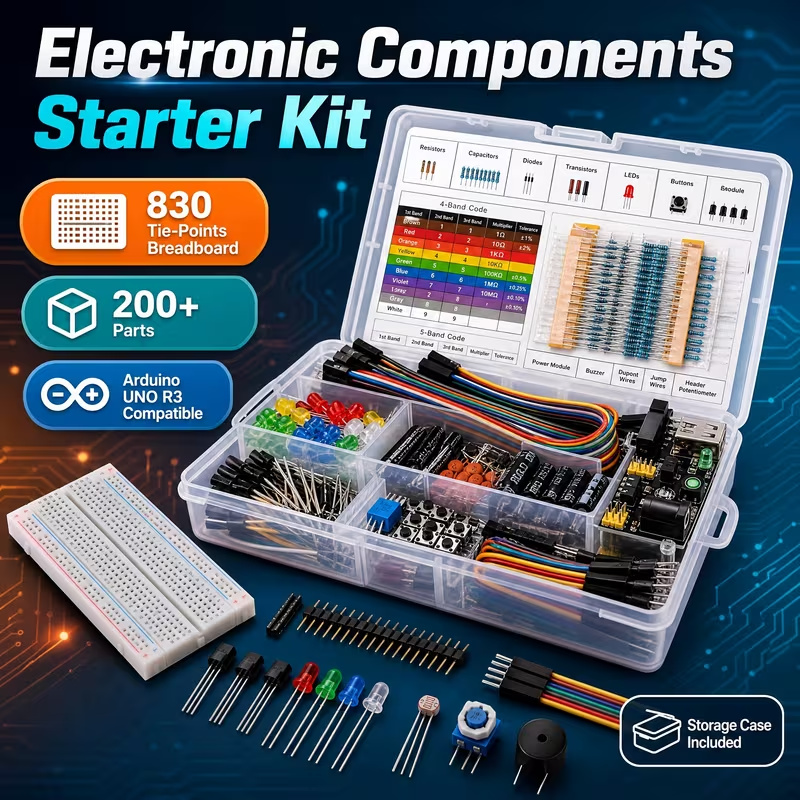
For the clock prototype, a small solderless board can join the clock and display signal lines described in the wiring section. This Temu offer contains four 400-point boards; keep the backup battery on its correctly specified module rather than treating the board as a battery holder or charger.
Some links below are Temu affiliate links. Tricky Circuit may earn a commission if you buy through them.
YIDI 400-point solderless breadboards, 4-pack — view Temu offer